Who can get the xTiles student and educator discount
xTiles offers a discount promo code for students and educators on their first paid xTiles subscription. It is meant for:
- Students, including campus leaders.
- Educators: teachers, lecturers and other education staff who can show a document confirming their status.
The discount applies to your first subscription. If you already pay for xTiles, or have before, contact support before buying again so they can tell you what applies to your account.
How students get the promo code
1. Fill in the Student Form
Submit the Student Form to verify that you are a student or a campus leader. The link is in the help center article on how to apply a promo code.
2. Wait for the email
Once your status is verified, the xTiles team sends you a promo code by email.
3. Apply it at checkout
Follow the steps in the section below.
How educators get the promo code
1. Email the xTiles team
Write to xTiles support and attach a document that confirms your educator status, for example a staff ID or a letter from your school or university.
2. Wait for verification
The team reviews the document and, once it is verified, sends you a promo code.
3. Apply it at checkout
Follow the steps in the next section.
How to apply the promo code at checkout
- Open the plan your promo code is valid for and click Upgrade.
- At checkout, find the Order Summary section and click it to open the promo code field.
- Type or paste your promo code.
- Click Apply. The updated price appears right away.
If the price does not change, check that you picked the plan the code was issued for, then contact support with a screenshot of the checkout page.
Before you upgrade: try xTiles on the free plan
You do not need a discount to start. Set up your semester or your classes on the free plan first, and upgrade once you know which features you need.
Students can start with the best apps for students and how they fit together. Teachers can start with how to set up a teacher planner in xTiles.
Free templates for students and educators
All four are free in the xTiles template gallery.
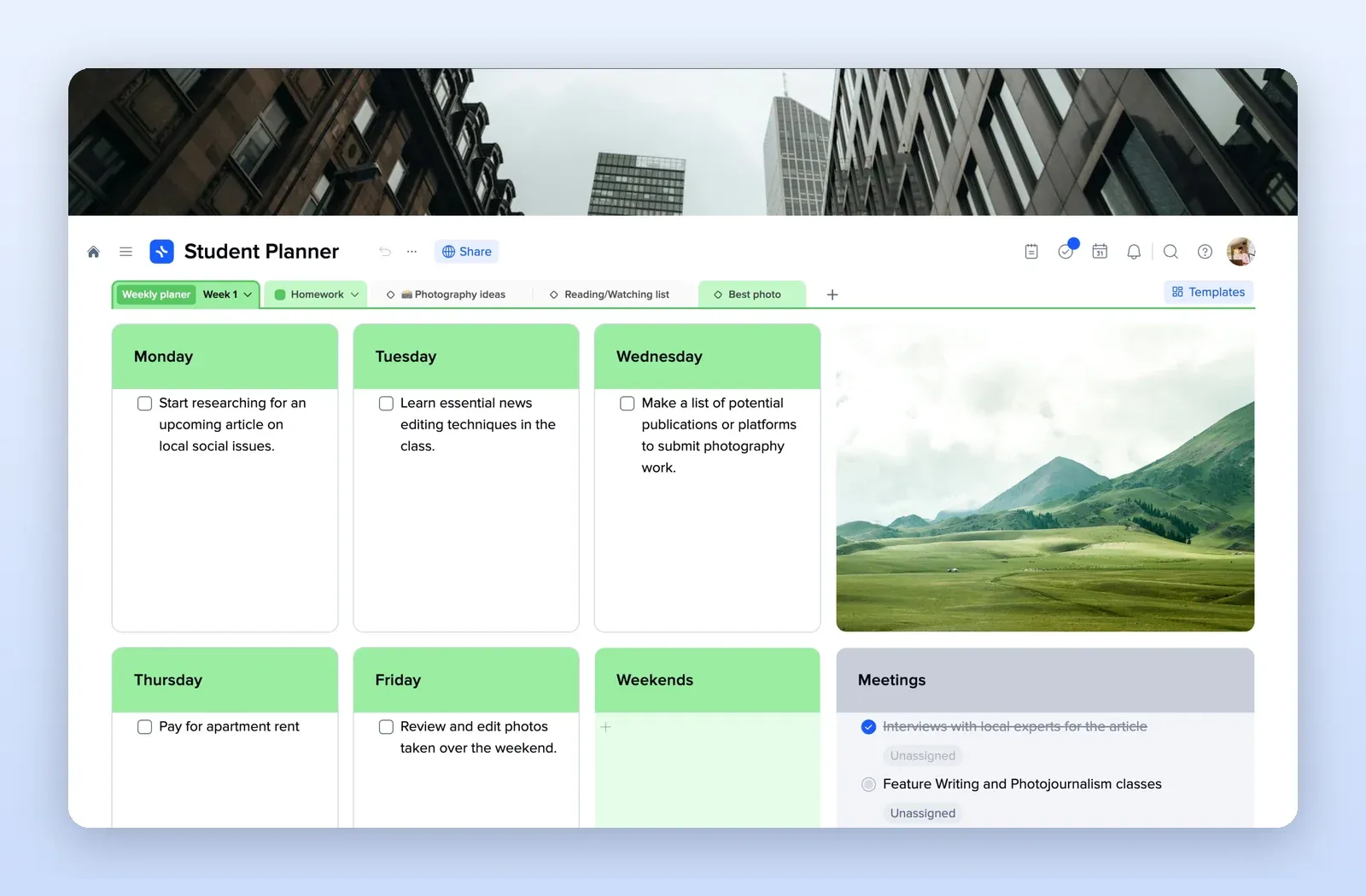
1. Student Planner: classes, deadlines and the week
A tile for each day of the week, tabs for homework and reading lists, and a meetings tile with tasks. Open the Student Planner template.
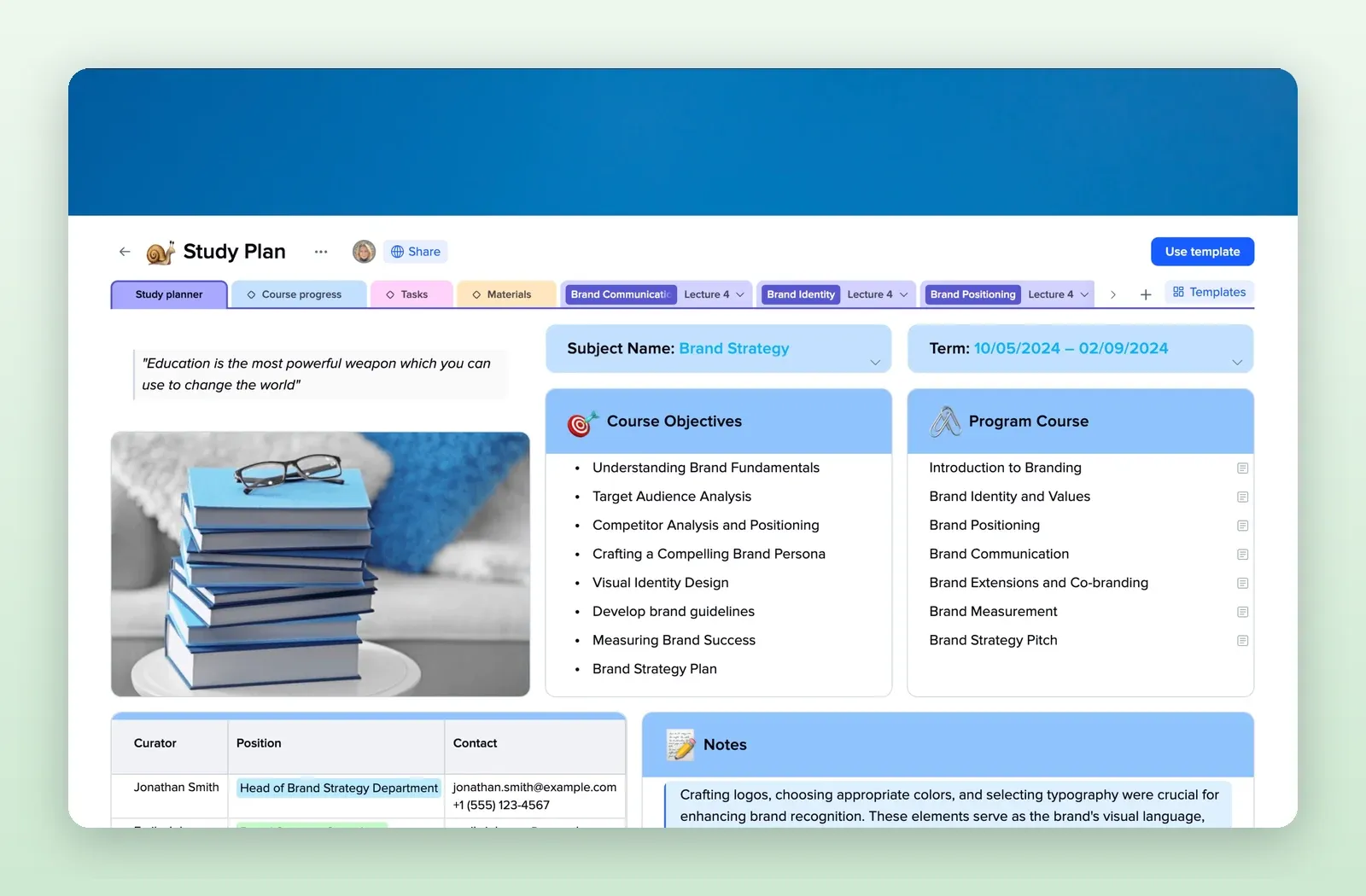
2. Study Plan: one course on one page
Subject and term, course objectives, the program of lectures, contacts and notes, with tabs for course progress, tasks and materials. Open the Study Plan template.
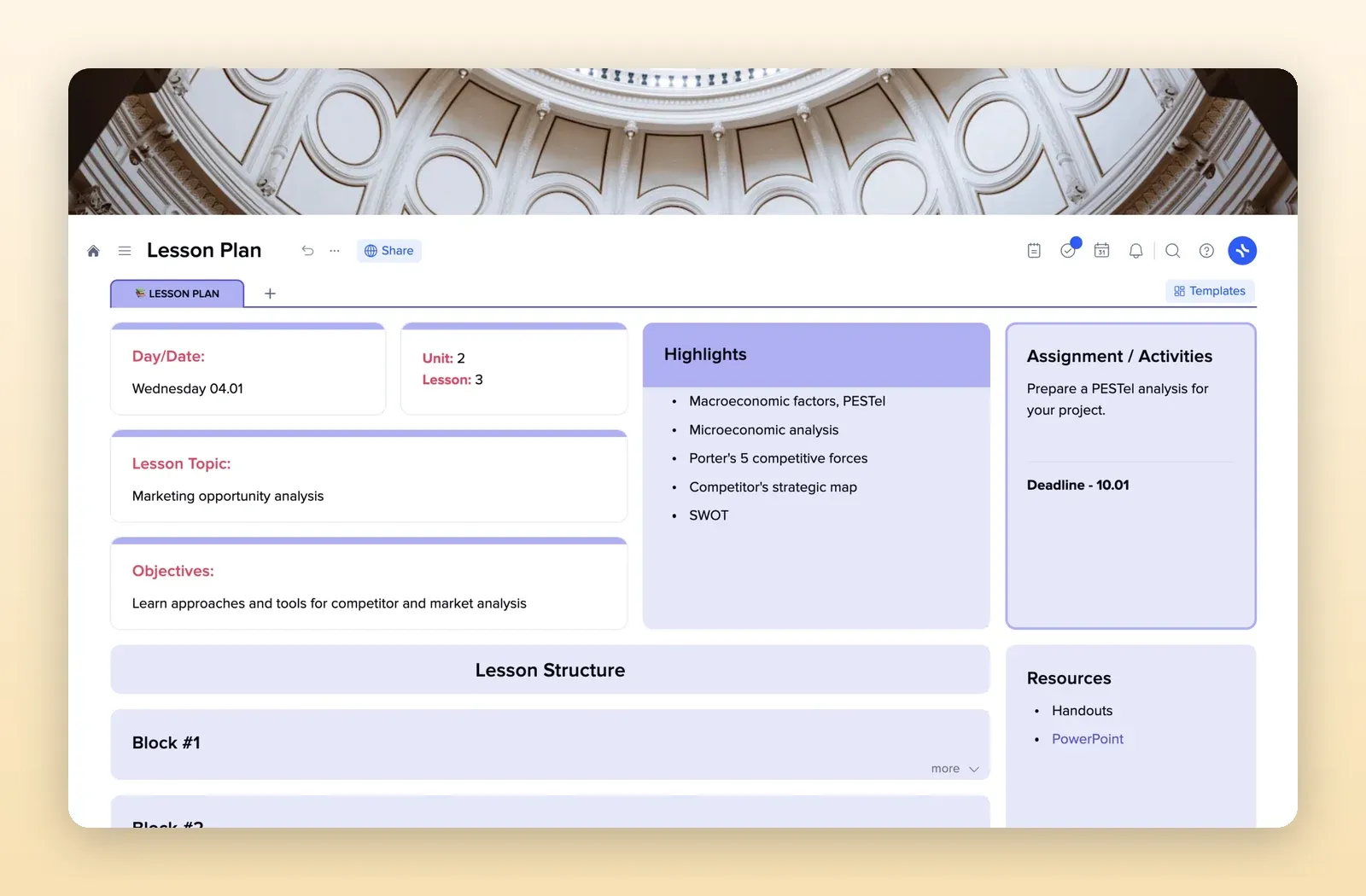
3. Lesson Plan: one lesson on one page
Date, unit and lesson number, topic, objectives, highlights, an assignment with a deadline, resources and a block-by-block lesson structure. Open the Lesson Plan template.
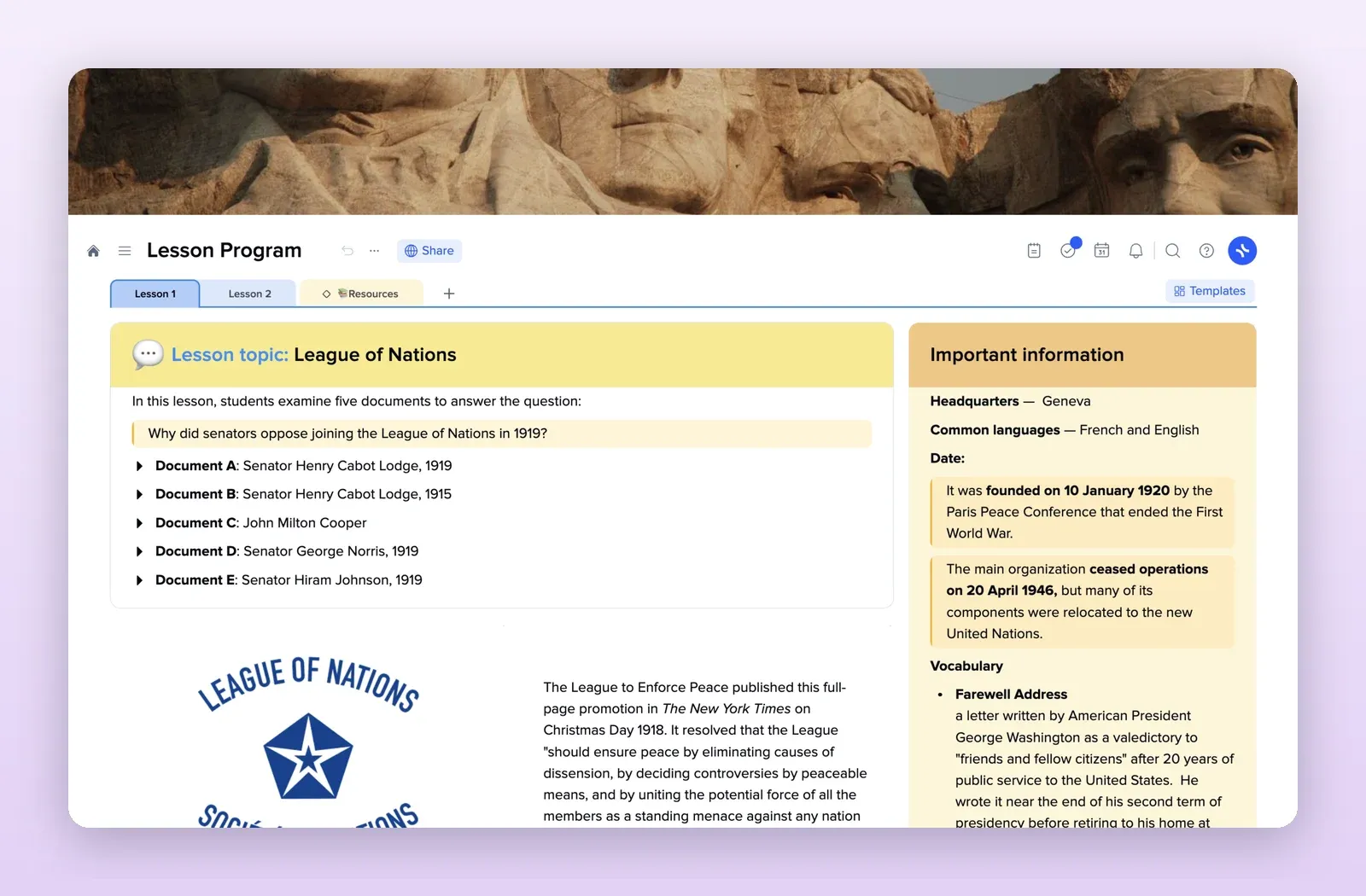
4. Lesson Program: a page per lesson to share with students
A page per lesson with the topic, the source documents students work with and important information, plus a resources tab. Easy to share with a class. Open the Lesson Program template.