Faster Planning & More. Join Live on October 21.

xTiles × MCP
You're closer to done
than you think
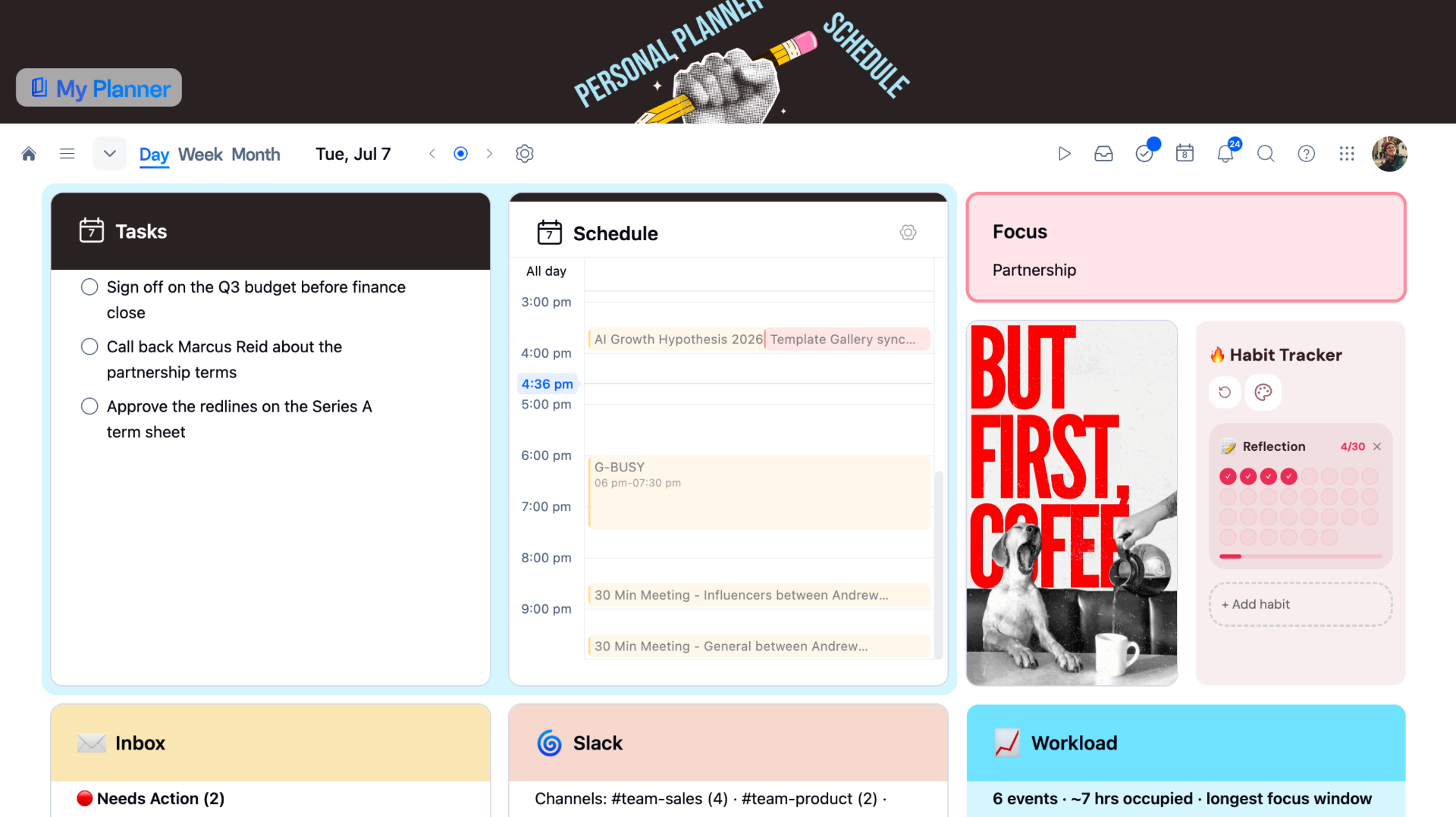
Move your projects forward. Connect xTiles to your AI.

 |
| |
| soon
soon

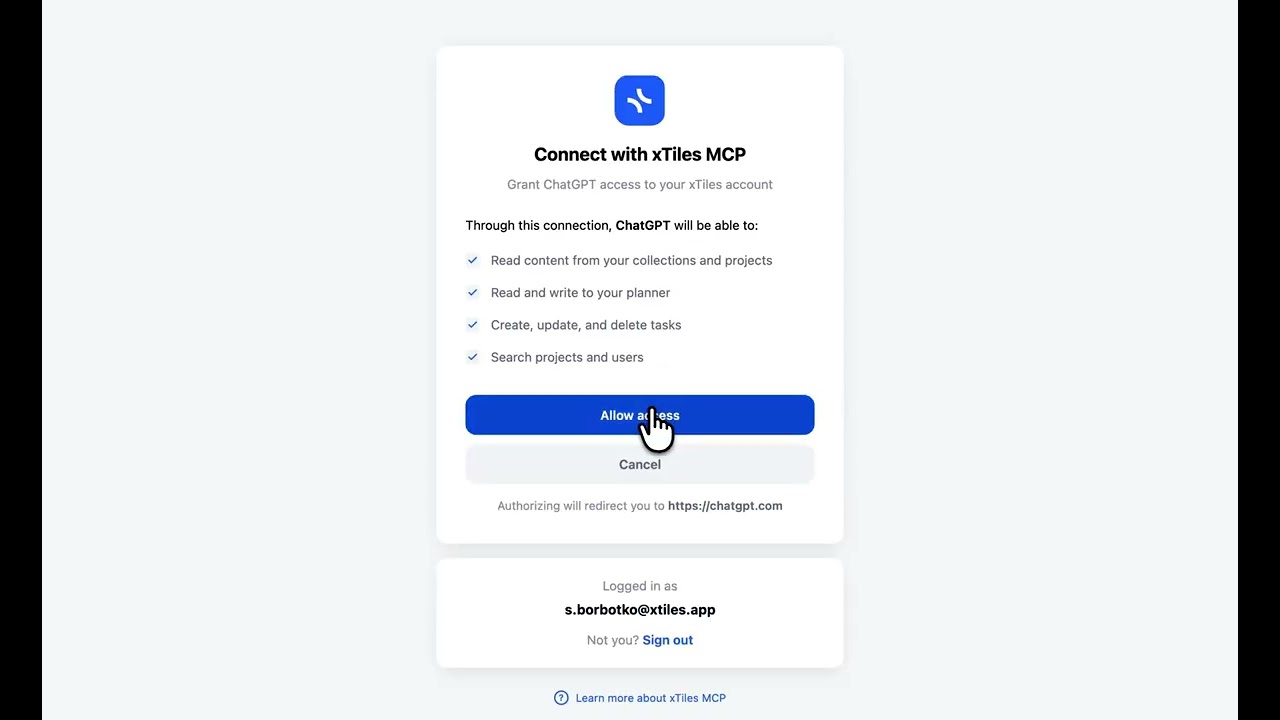

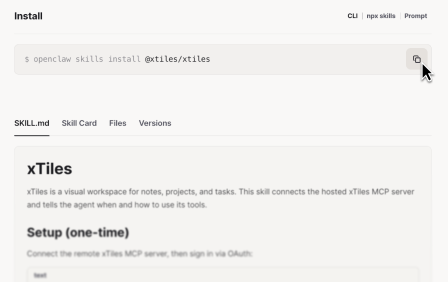
Imagine the possibilities
Six ways your work changes when xTiles connects to your AI.
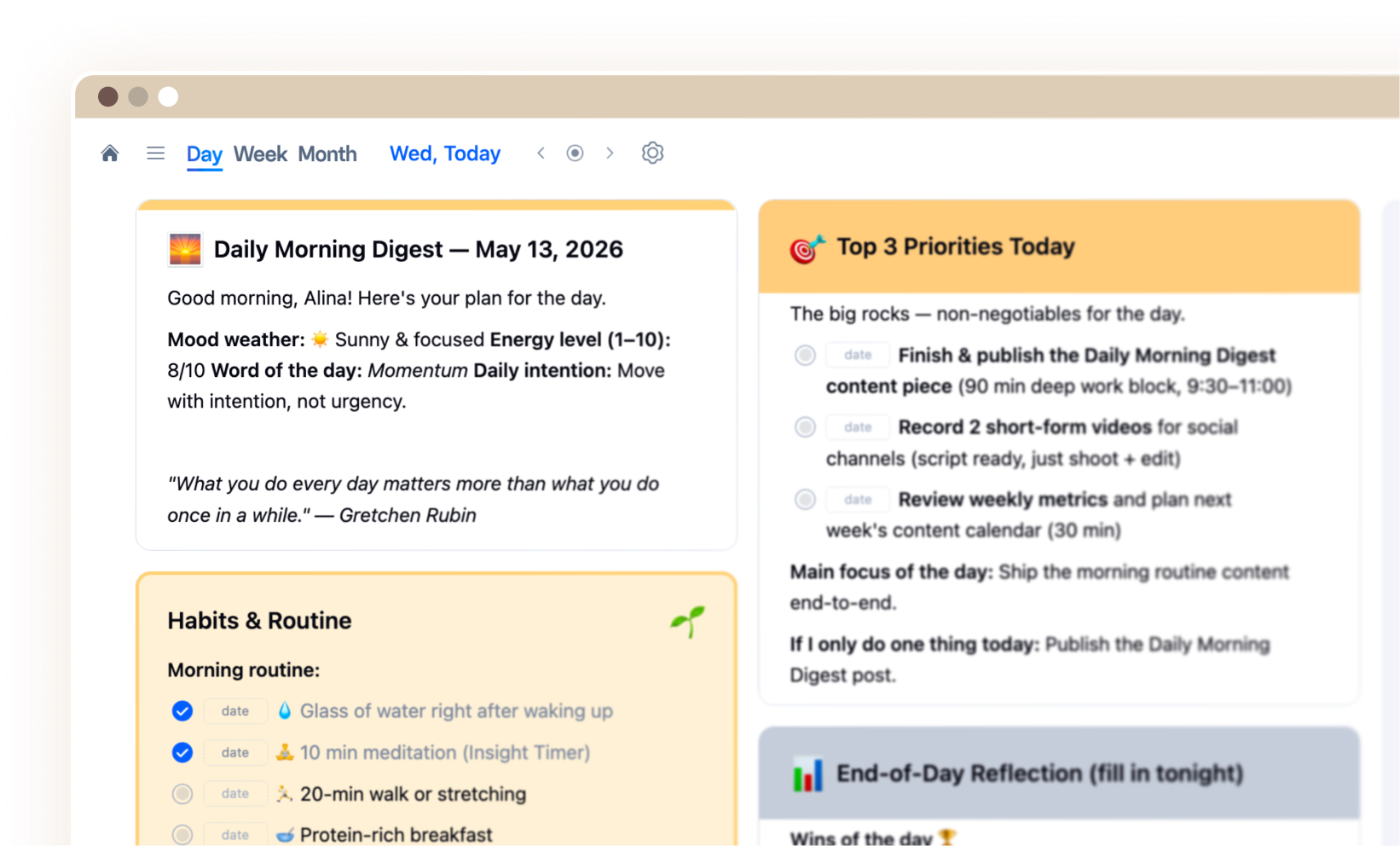
Daily Brief
Your day, assembled before your first coffee.
Evening Reflection
A canvas that remembers what you felt.

Email Assistant
Inbox decisions, not inbox reading.
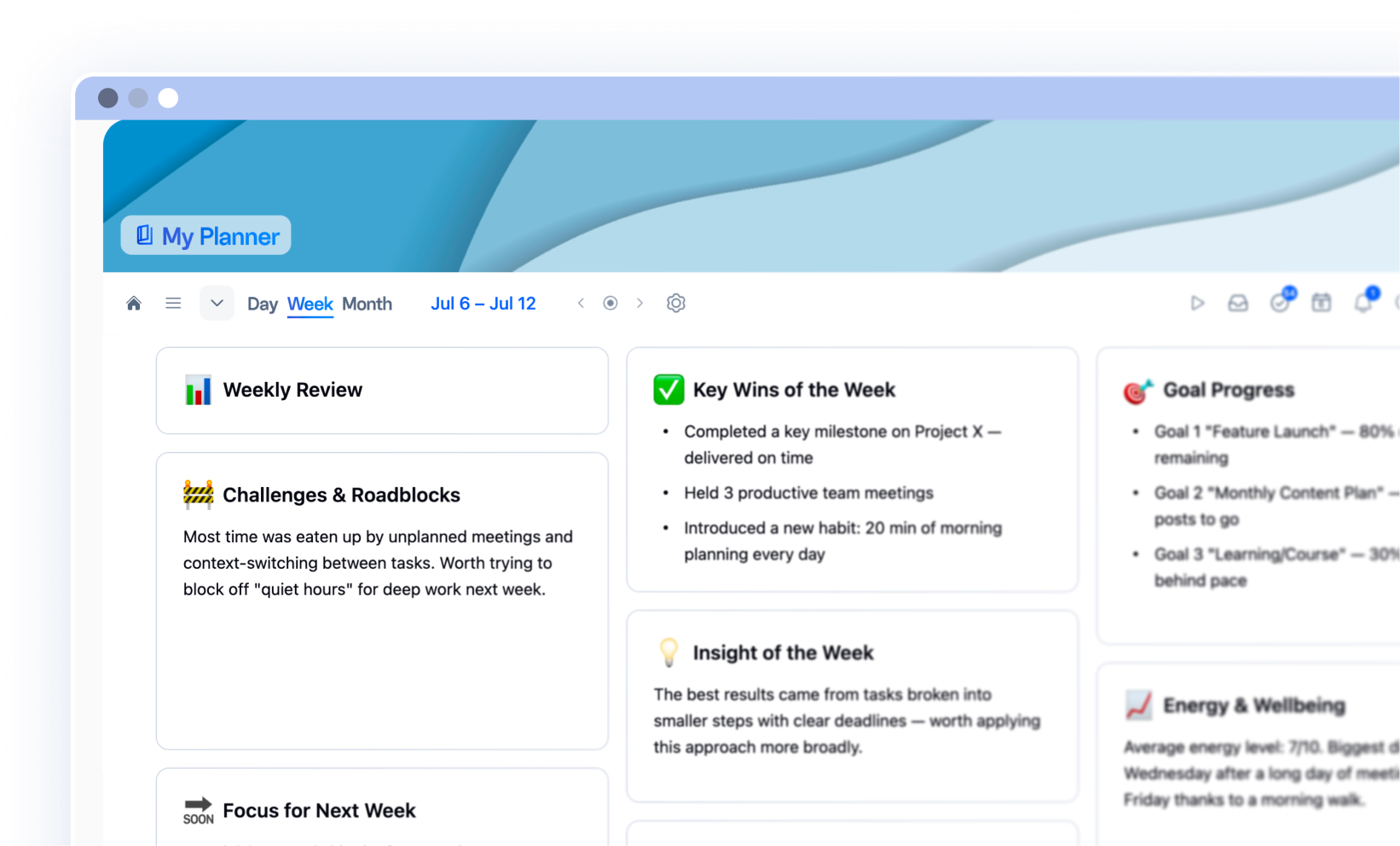
Weekly Review
What moved this week. What's next.
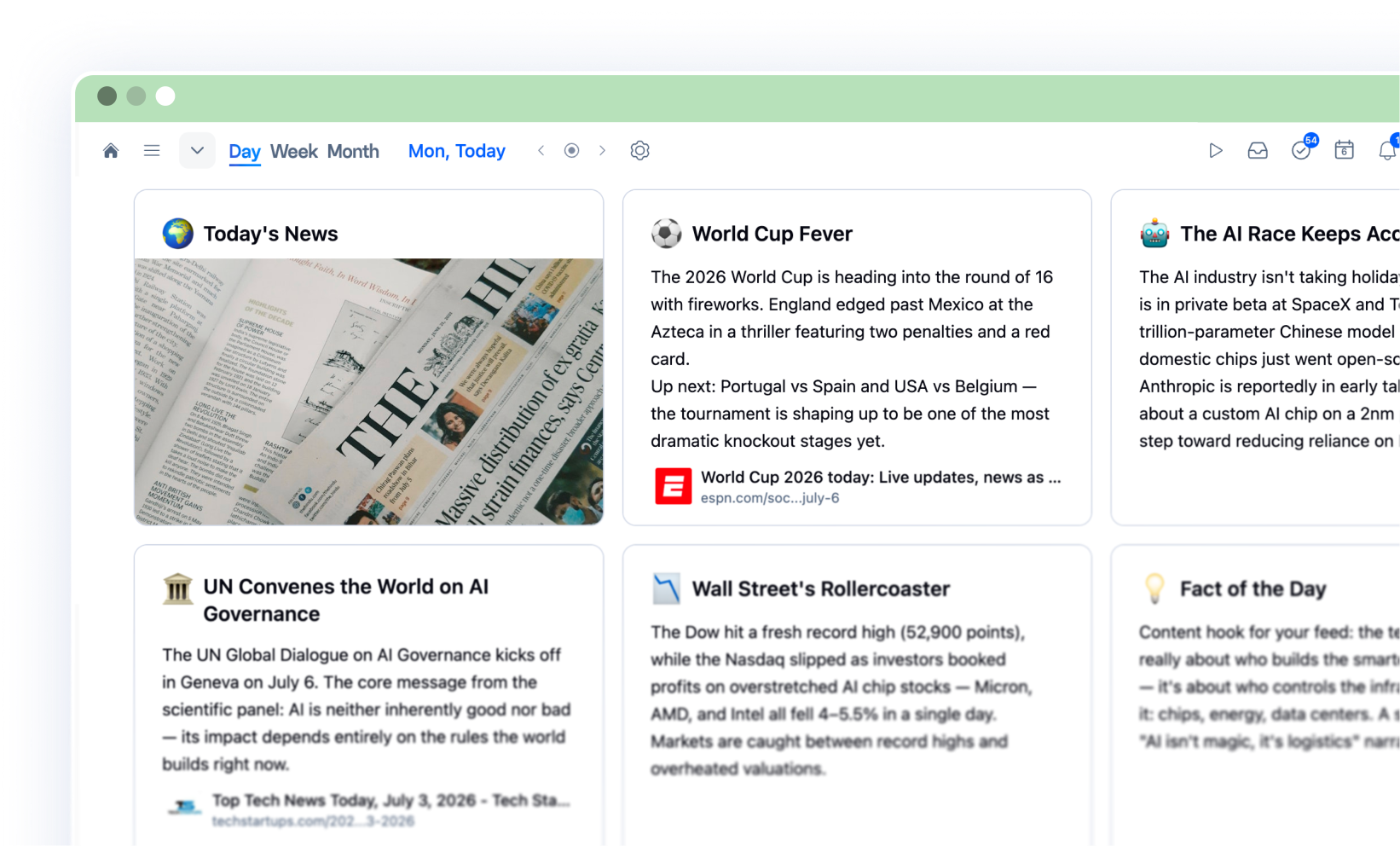
Today News
The news you care about, waiting each morning.

Tasks Triage
Every task in. Three priorities out.
More to come. Building your own?
Share it with the community →
The people who got in early aren't going back
Juggling multiple projects means I need tools that work with me, not against me.
xTiles does exactly that — and when paired with Claude AI, it's a productivity shift I didn't see coming.

The xTiles + MCP integration with Claude completely changed the way I work.
What used to take hours — like building roadmaps or structuring developer backlogs — now happens in seconds.

xTiles is the visual layer in my AI workflow.
It gives structure, clarity, and connection to the way my agentic process operates.

Juggling multiple projects means I need tools that work with me, not against me.
xTiles does exactly that — and when paired with Claude AI, it's a productivity shift I didn't see coming.
The xTiles + MCP integration with Claude completely changed the way I work.
What used to take hours — like building roadmaps or structuring developer backlogs — now happens in seconds.
xTiles is the visual layer in my AI workflow.
It gives structure, clarity, and connection to the way my agentic process operates.
Juggling multiple projects means I need tools that work with me, not against me.
xTiles does exactly that — and when paired with Claude AI, it's a productivity shift I didn't see coming.
The xTiles + MCP integration with Claude completely changed the way I work.
What used to take hours — like building roadmaps or structuring developer backlogs — now happens in seconds.
xTiles is the visual layer in my AI workflow.
It gives structure, clarity, and connection to the way my agentic process operates.
Shape what's next
xTiles MCP grows from real use cases. Share yours, see what others built.