APRIL UPDATES 2026
The Calm Before the Storm
Mobile got a major upgrade. And something much bigger is coming in May. Early access is open
Mobile — The Biggest Update Yet
Edit tables
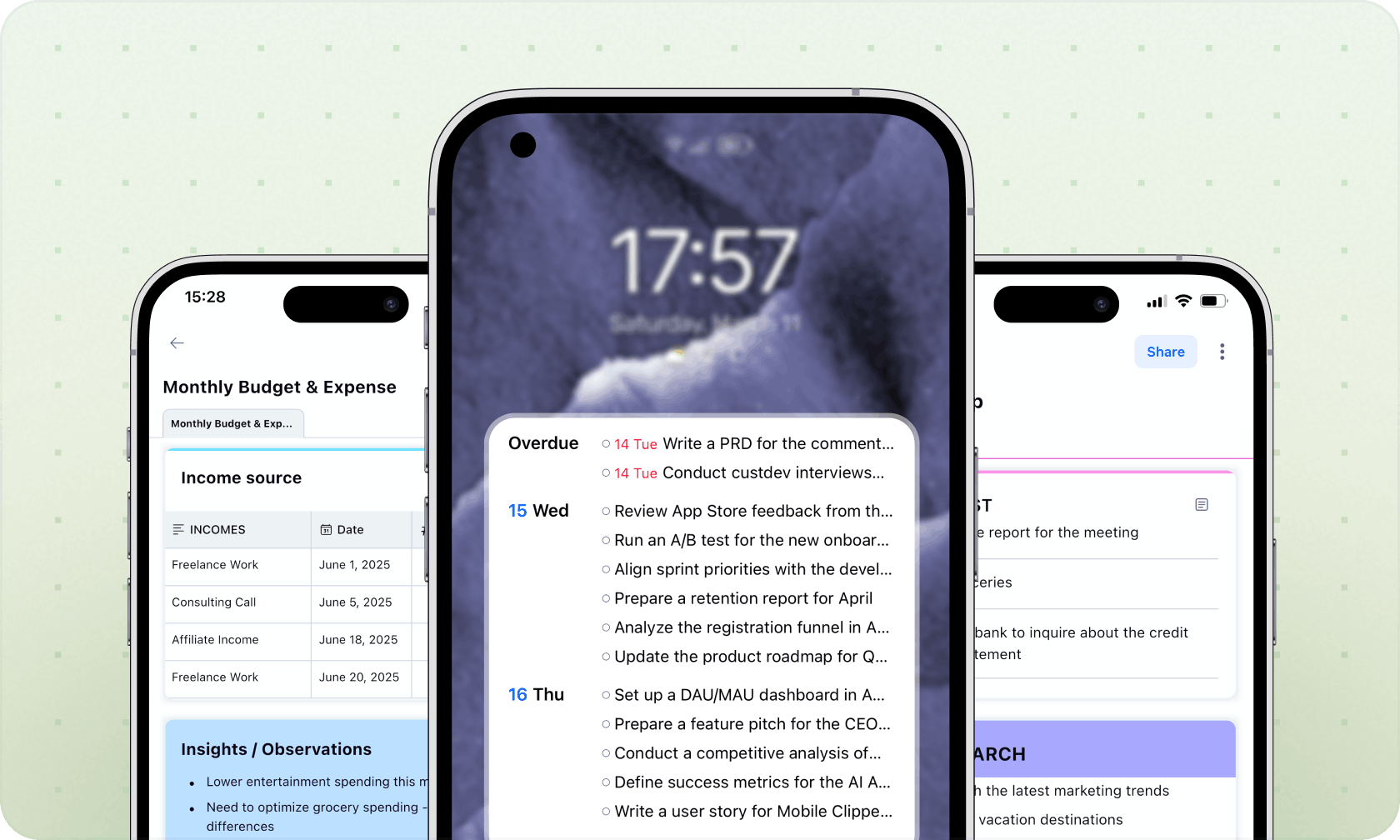
Full table editing on iOS and Android — add rows and columns, manage properties, run sums and averages. No more switching to desktop for this.
Android Home Screen Widget
Your tasks and calendar events for today, right on your home screen. App not required.
Quick Actions from the App Icon
- ✦New Task — Today view opens, task ready to fill in
- ✦New Note — Inbox opens, ready to capture
- ✦Today — straight to your tasks and events
Notes look better
Noticeably more refined — typography, spacing, tile styles, and emoji in note titles all leveled up.
Mobile — The Biggest Update Yet
Edit tables
Full table editing on iOS and Android — add rows and columns, manage properties, run sums and averages. No more switching to desktop for this.
Android Home Screen Widget
Your tasks and calendar events for today, right on your home screen. App not required.
Quick Actions from the App Icon
- ✦New Task — Today view opens, task ready to fill in
- ✦New Note — Inbox opens, ready to capture
- ✦Today — straight to your tasks and events
Notes look better
Noticeably more refined — typography, spacing, tile styles, and emoji in note titles all leveled up.
Clipping just got cleaner. A few focused improvements to how content lands in xTiles:
- ✦Hide the side button — choose to hide the Clipper button per site or globally. Less clutter, your way.
- ✦Smarter single-link captures — notes from single-link clips now display in a cleaner, more readable view.
- ✦Tiles resize automatically — no more manual adjustments after clipping. Content fits naturally from the start.
- ✦Cleaner single-block logic — clipped content creates tighter, more predictable tiles.
Clipping just got cleaner. A few focused improvements to how content lands in xTiles:
- ✦Hide the side button — choose to hide the Clipper button per site or globally. Less clutter, your way.
- ✦Smarter single-link captures — notes from single-link clips now display in a cleaner, more readable view.
- ✦Tiles resize automatically — no more manual adjustments after clipping. Content fits naturally from the start.
- ✦Cleaner single-block logic — clipped content creates tighter, more predictable tiles.
Small Fixes & Improvements
Mobile web
- ✦Stability fixes across the browser experience
Notification icons
- ✦Moved to the avatar, easier to scan and tell apart at a glance
Project icons
- ✦Linked projects now inherit their source favicon automatically
My Planner quick access
- ✦Right-click the My Planner icon to open directly
Coming Soon — What's Next in May
We're working on something big.
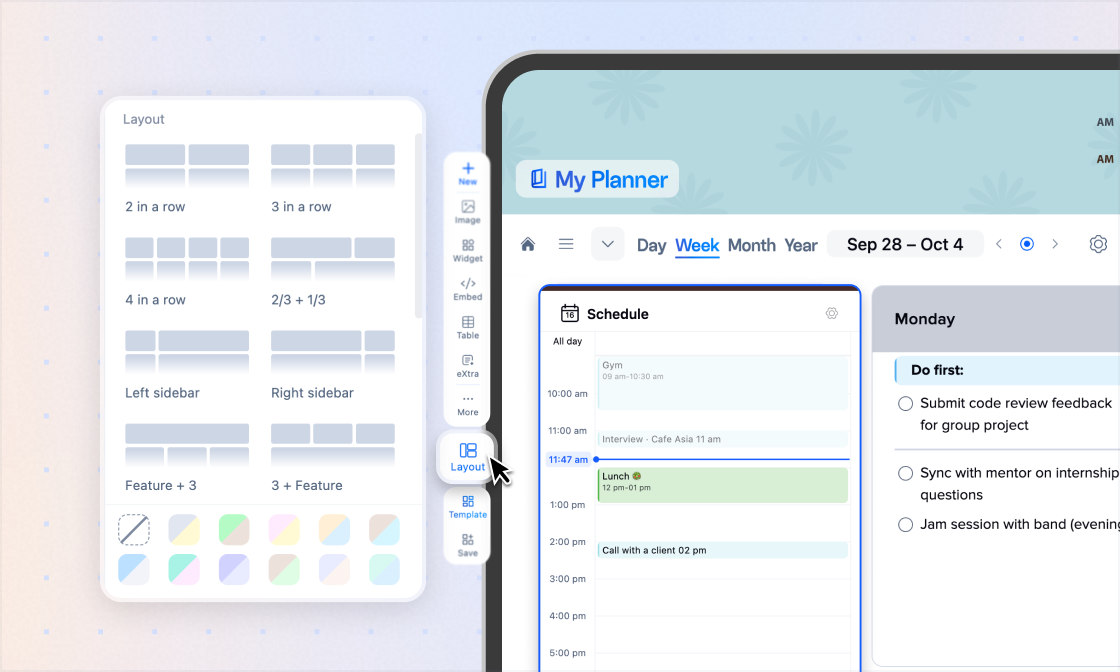
My Planner is becoming a proper system hub for your whole workday — with a cleaner header, dedicated project and library tabs, and a full task collection accessible from anywhere in xTiles.
Tasks are getting simpler too: faster expansion, easier prioritization, and assignment in fewer steps.