SEPTEMBER UPDATES 2026
In September, your pages got faster to shape
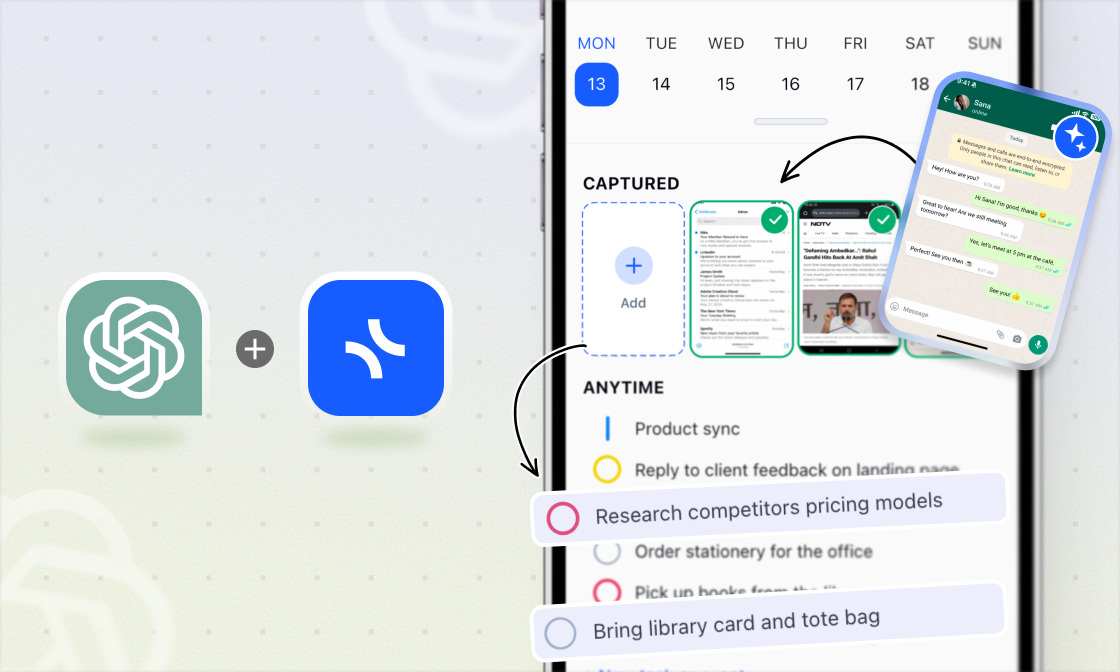
Move several tiles at once, switch a page to a new layout in one click, and set up My Planner to show only the periods you actually use. Plus, a mobile app where AI Capture creates events and adds details right inside your tasks.
xTiles in Your Mobile Browser, Rebuilt
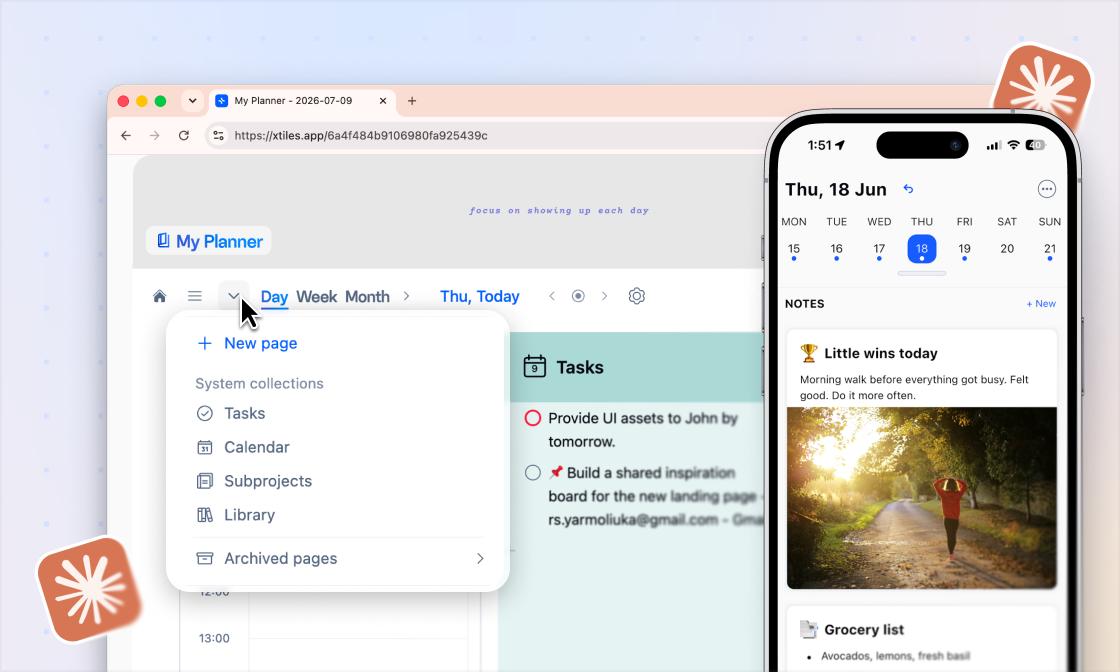
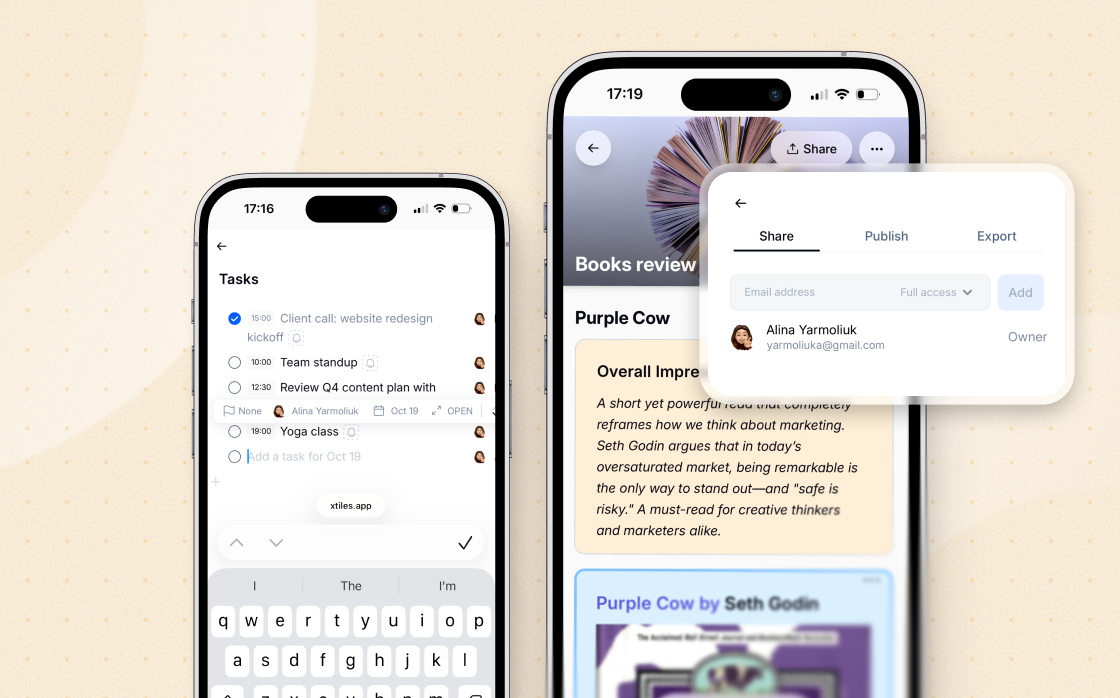
Opening xTiles on your phone or tablet browser now feels much closer to the desktop. Pages, tiles, and navigation are redesigned for smaller screens, so you can check a project, update a task, or look through a shared page without reaching for your laptop.
xTiles in Your Mobile Browser, Rebuilt
Opening xTiles on your phone or tablet browser now feels much closer to the desktop. Pages, tiles, and navigation are redesigned for smaller screens, so you can check a project, update a task, or look through a shared page without reaching for your laptop.
Move Several Tiles at Once
Select a few tiles and drag them together. Hold Ctrl (Cmd on Mac) and click the tiles you need, or simply click and drag across them, starting from the empty margin outside the page grid. Moving a group of related tiles, like notes, tasks, and images, now takes one move instead of dragging each tile and lining them up again.
Move Several Tiles at Once
Select a few tiles and drag them together. Hold Ctrl (Cmd on Mac) and click the tiles you need, or simply click and drag across them, starting from the empty margin outside the page grid. Moving a group of related tiles, like notes, tasks, and images, now takes one move instead of dragging each tile and lining them up again.
Change Your Page Layout in One Click
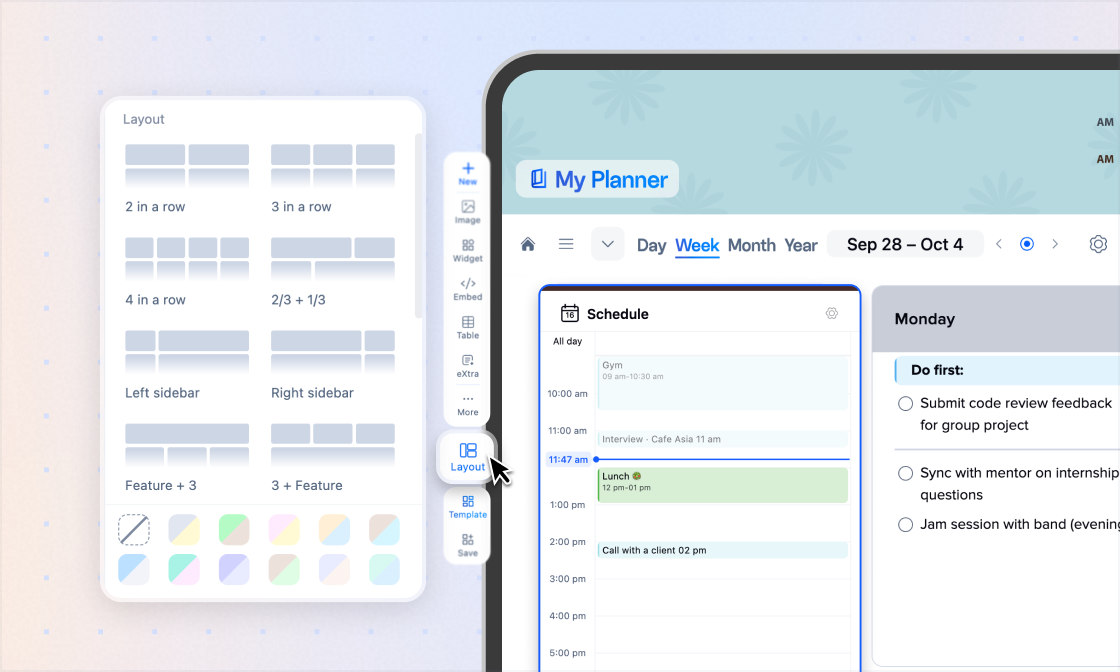
Select the tiles you want to rearrange, open Layout in the left toolbar, and pick a format. Rows, columns, and positions adjust instantly, so a messy page looks neat in seconds.
Change Your Page Layout in One Click
Select the tiles you want to rearrange, open Layout in the left toolbar, and pick a format. Rows, columns, and positions adjust instantly, so a messy page looks neat in seconds.
My Planner, Set Up Your Way
Month, Quarter, and Year tabs are now customizable. Pin the ones you plan with and unpin the rest, so My Planner fits the way you work. Daily and Weekly always stay in place.
My Planner, Set Up Your Way
Month, Quarter, and Year tabs are now customizable. Pin the ones you plan with and unpin the rest, so My Planner fits the way you work. Daily and Weekly always stay in place.
Today's Schedule, Now in Weekly View Too
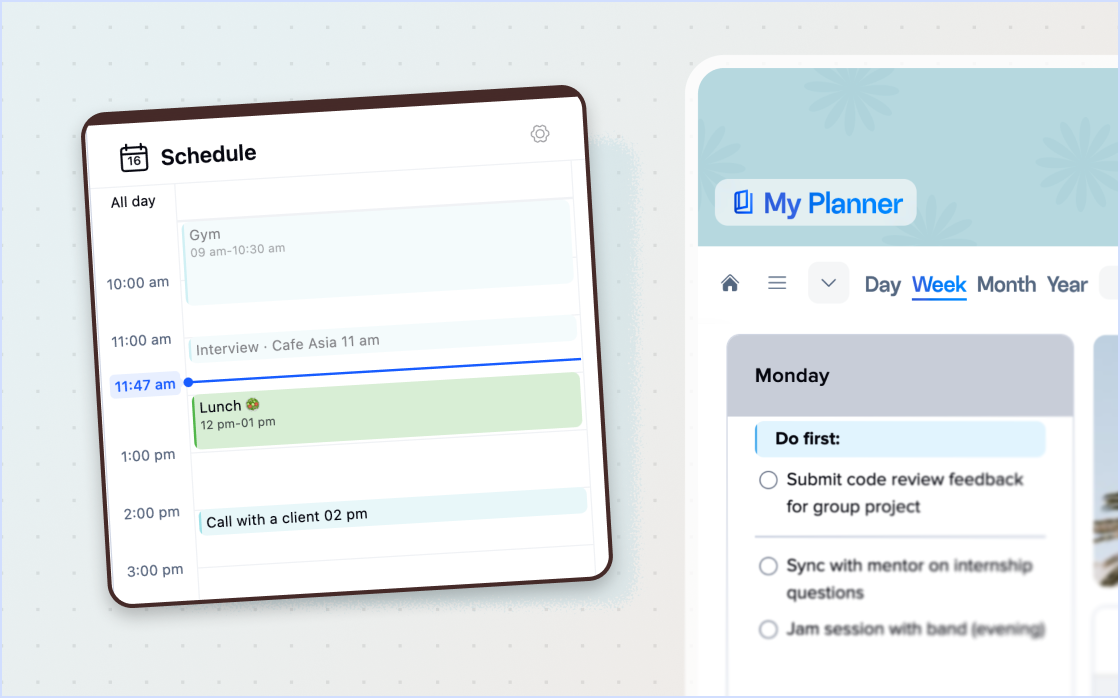
Your daily schedule is no longer just on the Daily page. Weekly view now has a Today eXtra tile with your events for the current day, so you can see your week and today's meetings in one place.
Today's Schedule, Now in Weekly View Too
Your daily schedule is no longer just on the Daily page. Weekly view now has a Today eXtra tile with your events for the current day, so you can see your week and today's meetings in one place.
xTiles Mobile 3.7.6
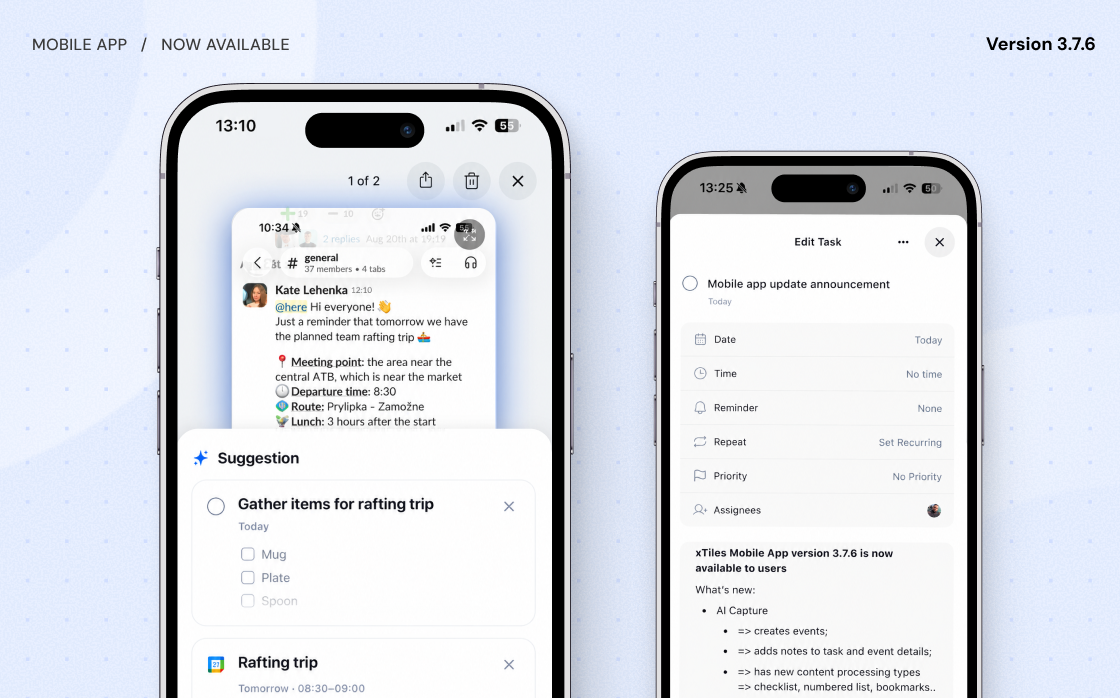
AI Capture does more
- ✦Creates events from what you capture, not just tasks and notes
- ✦Puts extra details right inside the task or event it creates
- ✦Formats your capture as a checklist, numbered list, or bookmarks
Notes inside tasks
Tap Edit on any task to add details, then view or update them anytime.
Improved Project filter
See which tasks you have in each project, and how many, across all of xTiles, right from your Daily screen.
xTiles Mobile 3.7.6
AI Capture does more
- ✦Creates events from what you capture, not just tasks and notes
- ✦Puts extra details right inside the task or event it creates
- ✦Formats your capture as a checklist, numbered list, or bookmarks
Notes inside tasks
Tap Edit on any task to add details, then view or update them anytime.
Improved Project filter
See which tasks you have in each project, and how many, across all of xTiles, right from your Daily screen.
Small Improvements
Monthly tasks land in Today
- ✦New tasks in the Monthly Tasks tile now get today's date instead of the first of the month.
Jump back to now
- ✦A new button in the My Planner date selector takes you back to the current period in one click.
New items stay in view
- ✦Adding an item to a date-filtered collection view now fills in the date for you, so it doesn't disappear from the view.