AUGUST UPDATES 2026
In August, AI went from reading xTiles to working in it
Connecting xTiles to Claude or ChatGPT now takes one click. Once connected, your assistant can do more than read your workspace: it can fix text, rearrange tiles, and color-code tiles for you. We also made a few things self-serve that used to need a message to support.
Claude & ChatGPT: Connect in One Click
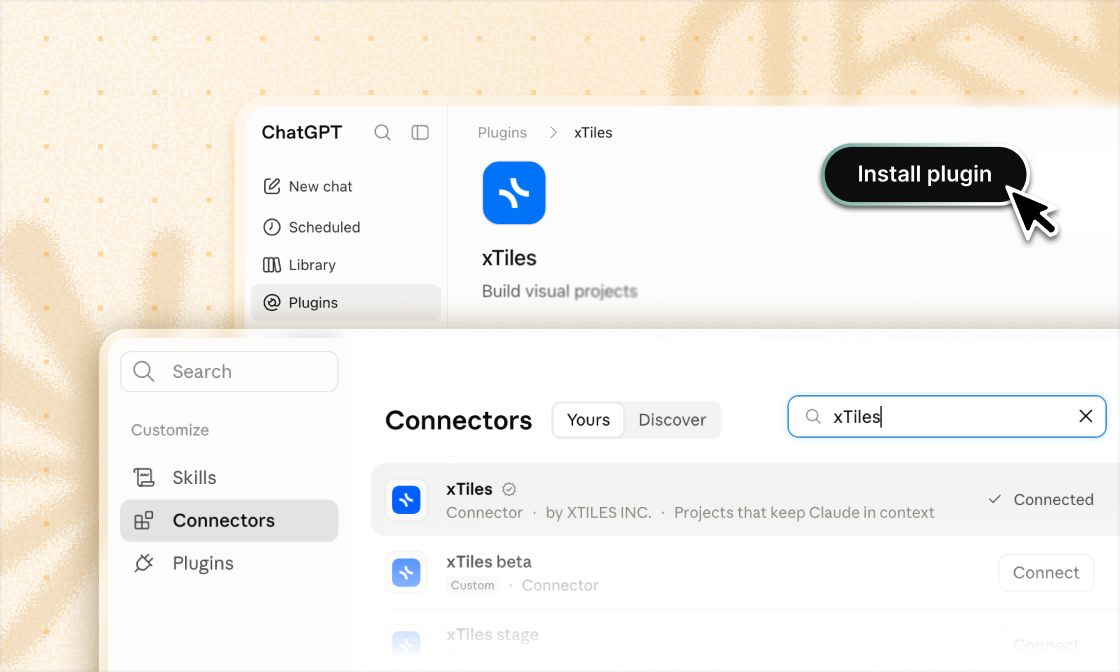
xTiles is now in the official connector directories of both Claude and ChatGPT. No server URLs, no manual setup. Find xTiles, click Connect, and your workspace is ready to use right from the chat.
Claude & ChatGPT: Connect in One Click
xTiles is now in the official connector directories of both Claude and ChatGPT. No server URLs, no manual setup. Find xTiles, click Connect, and your workspace is ready to use right from the chat.
Ask AI to Update Your Pages
Your AI assistant can now work with what's already on your pages, not just add new things. Describe the change in plain words, and it's done.
- ✦Edit anything inside your tiles. Rewrite a paragraph, add items to a list, update a link, or remove what's outdated. Only the part you mention changes, everything else stays exactly as it was.
- ✦Tidy up the structure. Rename tiles, reorder their content, or delete tiles you no longer need.
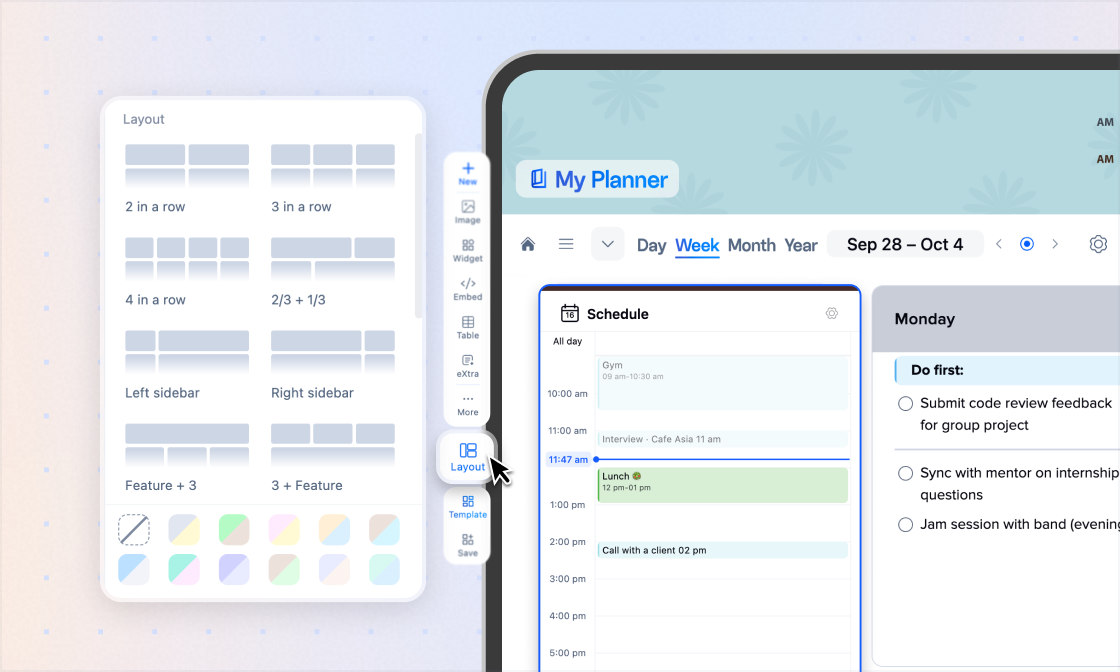
- ✦Rearrange the layout. Move tiles around and make them bigger or smaller, so what matters most is the first thing you see.
- ✦Color-code your page. Pick any color from the tile palette, add a colored header or outline, and reset back to clean whenever you want.
- ✦Add page descriptions. Ask AI to write or update the short description at the top of a page, so anyone who opens it knows what it's for.
Try asking:
Ask AI to Update Your Pages
Your AI assistant can now work with what's already on your pages, not just add new things. Describe the change in plain words, and it's done.
- ✦Edit anything inside your tiles. Rewrite a paragraph, add items to a list, update a link, or remove what's outdated. Only the part you mention changes, everything else stays exactly as it was.
- ✦Tidy up the structure. Rename tiles, reorder their content, or delete tiles you no longer need.
- ✦Rearrange the layout. Move tiles around and make them bigger or smaller, so what matters most is the first thing you see.
- ✦Color-code your page. Pick any color from the tile palette, add a colored header or outline, and reset back to clean whenever you want.
- ✦Add page descriptions. Ask AI to write or update the short description at the top of a page, so anyone who opens it knows what it's for.
Try asking:
All Your Month's Tasks, in One Place
Monthly view in My Planner now has its own Tasks tile, just like Daily and Weekly. Every task due this month shows up in one list, so you can see what's ahead, spot busy weeks early, and plan the month without jumping between days.
Change Your Email Yourself
New job, new domain, or switching to a personal address? You can now update your account email in Account Settings → Profile in a few seconds, without writing to support.
All Your Month's Tasks, in One Place
Monthly view in My Planner now has its own Tasks tile, just like Daily and Weekly. Every task due this month shows up in one list, so you can see what's ahead, spot busy weeks early, and plan the month without jumping between days.
Change Your Email Yourself
New job, new domain, or switching to a personal address? You can now update your account email in Account Settings → Profile in a few seconds, without writing to support.
Small Improvements
Check off tasks from any view
- ✦Task cards in Board, Card, and Calendar views now have a checkbox, so you can mark tasks done without switching views.
AI sees all your calendars
- ✦With several calendars connected, your AI assistant now sees events from every one of them.
Easier Microsoft sign-in at work
- ✦xTiles is now a verified Microsoft publisher, so logging in with a corporate Microsoft account no longer needs approval from your IT admin.
API tokens for everyone
- ✦Generate your personal token in Account Settings → Integrations (Beta) and connect xTiles to your own scripts and tools.
Bug fixes
- ✦Bug fixes and overall improvements across web and mobile.