Looking for the sweet spot between Miro and Notion
John runs a small company — about eight people — that builds custom e-learning courses and instructional design work, a team that had shrunk somewhat in the recent past. He was not evaluating xTiles for the team yet. He was testing it personally first, the way a lot of tool decisions actually start.
His framing, from the very first look, is the clearest way to describe what pulled him in: "I saw an explanation that is sort of halfway between Miro and Notion. And that's a sweet spot for me." He already used Miro heavily for visual mapping and had never really taken to Notion. What he wanted was the ability to lay tiles out spatially — a visual overview — and then zoom into the details on any one of them without switching tools.
Tools built around lists and nested pages can feel restrictive to people who think spatially — everything gets flattened into an outline whether it fits that shape or not. Whiteboard tools solve that, but usually lose structure the moment you need to track due dates, ownership, or status.
The pitch that got John's attention was a canvas that behaves like a whiteboard for the overview and like a structured page for the details underneath — visual freedom without giving up the parts of project management that actually need tracking.
The existing stack: Asana for the team, Obsidian for himself
For team projects — typically in the tens of thousands of dollars range — his company had been running everything through Asana, with dedicated project managers handling the day-to-day. That part of the stack was not really in question during this call; it was the personal layer underneath it that he was rethinking.
Most of John's own working notes live in Obsidian, fed from a terminal-heavy workflow. But task management inside it has never clicked for him: "I don't find it — I don't really like how Obsidian carries the whole thing. For my task management, it doesn't really function very well. I don't like it." Obsidian works as a note vault. It is a weaker fit as a task manager — a gap a lot of people who reach for it eventually run into.
The moment that changed his mind: turning an email into a task
The turning point in the call was a live demo of the Web Clipper — the browser extension that turns any page, email, or piece of content into a task or a saved item without leaving the tab you're already in.
The demo: open an email that needs a response later, click the extension, create a task linked back to the original message with an AI-generated summary attached, and save it directly into the relevant project. John's reaction was immediate: "This is awesome. I never — I didn't think about using the web clipper for this."
He had the extension installed already but had never used it this way. He had been solving the same problem — turning an email into a task — with a mail-to workflow that ended up spinning up an entire separate project structure just to capture one message. Watching the clipper handle it in two clicks changed his read on the whole tool: "This is what I wanted. This is perfect. I love this."
The same extension also handles a second, quieter problem: research links that pile up in browser tabs because closing them feels like losing access. Clipped links land in the daily Planner and accumulate in a searchable Library, organized by month and filterable by type — articles, PDFs, videos — so a reading list stops depending on how many tabs are still open.
The real reason he booked the call: MCP
John was direct about why the meeting existed at all: a notification about the MCP server had popped up while he was using xTiles. He had already been experimenting with AI agents across his own workflow — Claude Code from a terminal among them — and wanted to know whether xTiles could plug into that the same way, as a matter of future-proofing his setup rather than an immediate need.
Serhii walked through a live morning-brief setup: Claude connected to Gmail, Google Calendar, and Slack, generating a daily summary written directly into the xTiles Planner — plus a separate evening reflection routine, and a step-by-step assistant configured for a content-creation project.
John's follow-up is worth calling out for anyone thinking about MCP outside a chat window: is there anything that would stop it from being set up to use in Codex, or in a terminal? Since the connection is really just a markdown prompt underneath, the answer is that it runs the same way in Claude Code or Codex. The part that is harder to port is the deep tool-connection setup — Gmail, Calendar, Slack — which lives inside Claude's own connector interface rather than in the MCP server itself.
How the hierarchy fits a COO's split attention
For someone tracking several unrelated areas at once — project overviews for the team, personal task management, research reading — the underlying structure matters as much as any single feature. xTiles organizes around Spaces (similar to top-level folders), Projects inside each Space, and Pages inside each project. A COO could reasonably run one Space for business oversight and a separate one for personal tasks, without either bleeding into the other.
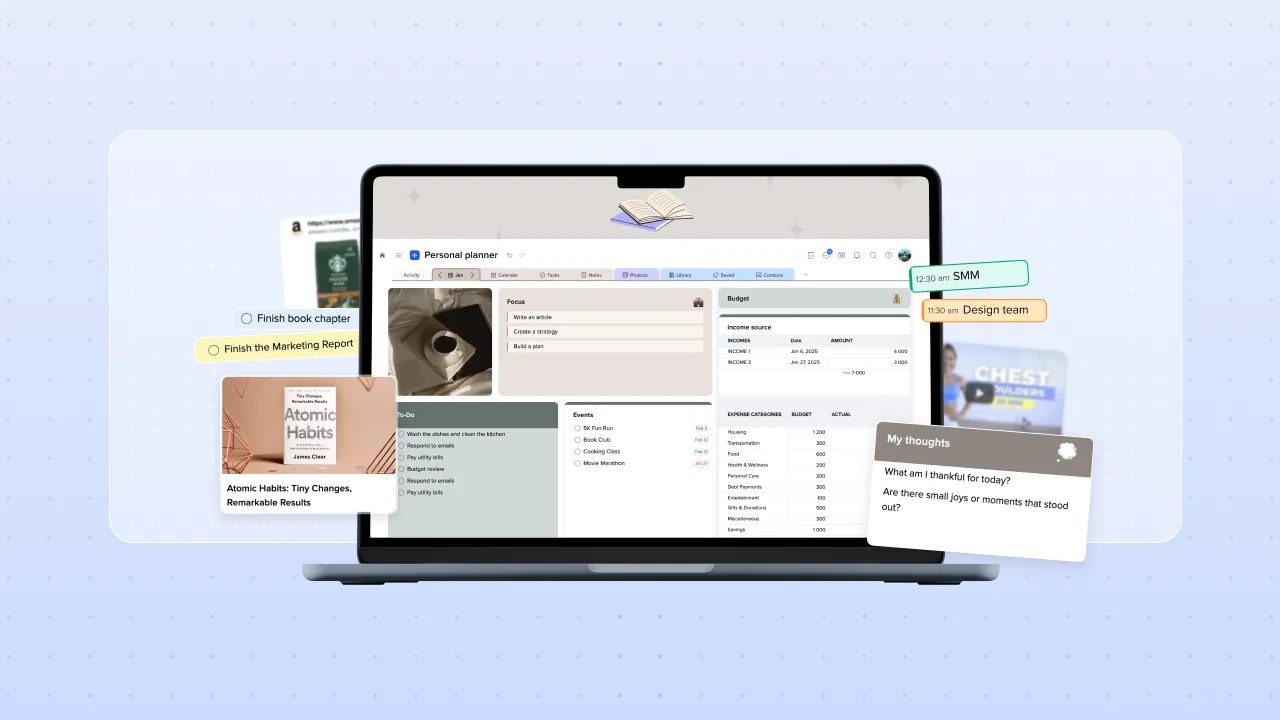
The Planner ties the structure together without extra setup: tasks with a due date automatically appear on that date in the daily, weekly, or monthly view, pulled from every Space and Project at once. Google Calendar and other connectors merge into the same view, so a day page can show meetings and tasks side by side rather than requiring a separate calendar check.
What comes next: trying it with a team
MCP access is not broadly available yet, so Serhii offered John a courtesy invite to experiment, given he was already on an annual plan. John's closing line summed up where he landed, half-joking but genuinely curious: "Maybe I'll fall in love with it."
If the personal layer holds up, the natural next step is bringing part of the team in — xTiles also supports a project-level Planner, giving visibility into what every team member has due across a shared project rather than just an individual's own tasks. For a COO who already runs project overviews separately from personal task tracking, that is the piece that would close the loop between the two.