Why start from a template, not a blank page
A blank timetable is where most revision plans stall. Students know they should revise, but deciding the structure, the colours and the time slots is one more task before the real one. A template removes that step: the layout is already decided, and the student only fills in subjects, topics and dates.
We heard the same from a group of UK study-skills assessors who recommend tools to students. Their request was simple: give students a ready example they can open and start from, plus a short video they can watch in a couple of minutes. This page is that example, written out.
What a revision timetable template should include
- Exam dates and a countdown. Every paper with its date, and how many weeks are left. Everything else is planned backwards from here.
- A topic list per subject, rated red, amber or green for confidence. Red topics get more sessions and come earlier.
- A weekly grid of revision blocks around school, travel and work, with subjects mixed across the day.
- Daily blocks of 30 to 45 minutes, each with one subject and one topic, plus short breaks.
- A place for past papers and review, so each topic comes back more than once.
- A buffer. One or two empty blocks a week for what slipped, and at least one evening off.
For the full method, step by step, read how to make a revision timetable for GCSE and A-Level. This page focuses on the template itself.
Revision timetable example: one week before mocks
Monday: 16:30 Maths, quadratic equations (red) · 17:20 English Literature, Macbeth quotes
Tuesday: 16:30 Biology, cell structure · 17:20 History, causes of WWI flashcards
Wednesday: 16:30 Chemistry, bonding past-paper questions · 17:20 French vocabulary
Thursday: 16:30 Maths, review of Monday's topic · 17:20 Geography, case studies
Friday: free evening
Saturday: 10:00 Maths past paper (timed) · 11:15 Physics, forces · 14:00 buffer block
Sunday: 11:00 review the week, re-colour topics, plan next week
Notice the pattern: two short blocks on school days, mixed subjects, a red topic early in the week and again on Thursday, one timed past paper, one buffer and one evening off.
Free revision timetable templates to start from
All four are free in the xTiles template gallery. Use one per subject for the topic list, and one for the week.
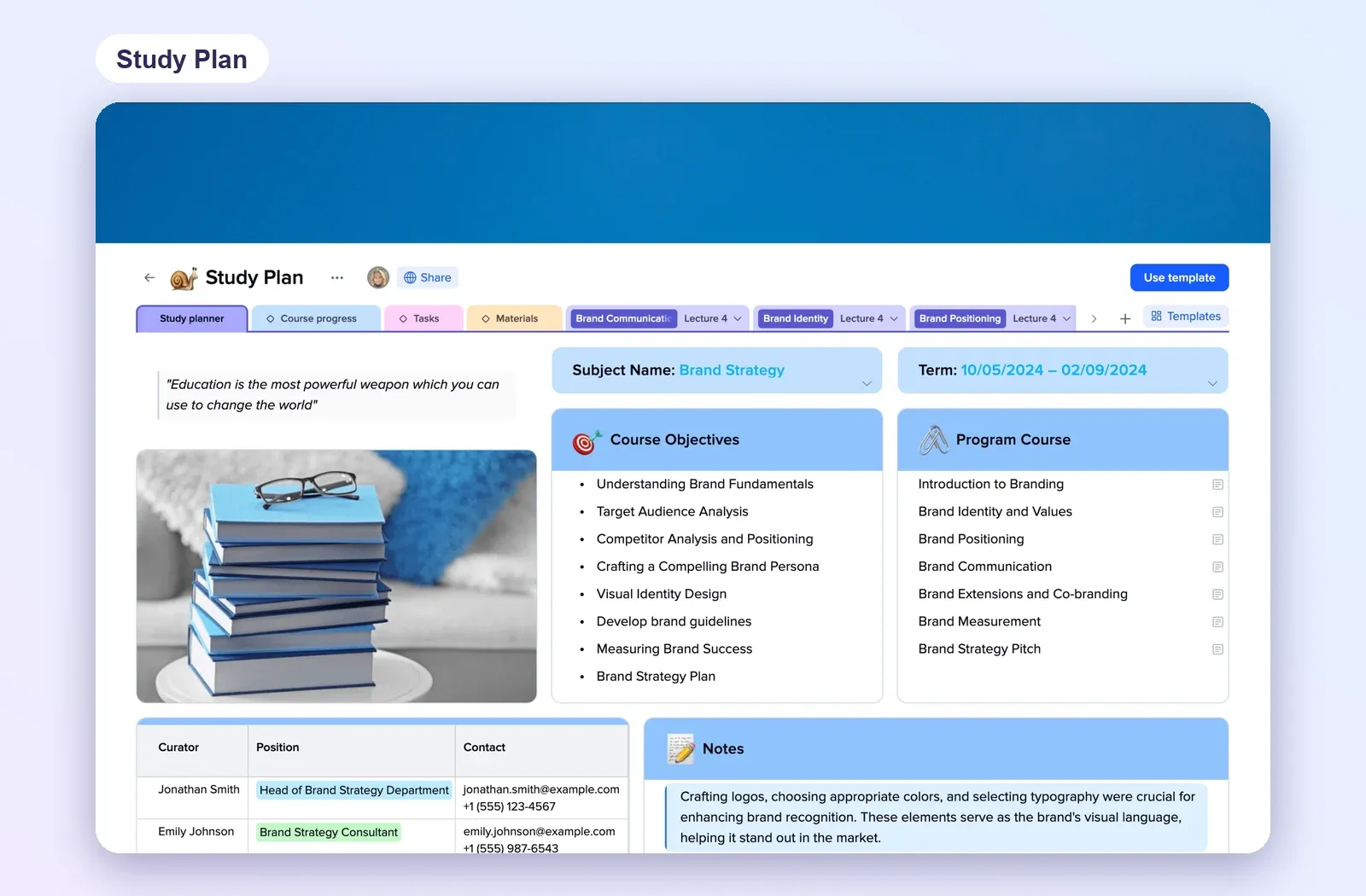
1. Study Plan: one subject, every topic
Subject name, term dates, objectives and the programme, with tabs for progress, tasks and materials. Make one per subject and turn the programme into your red, amber and green topic list. Open the Study Plan.
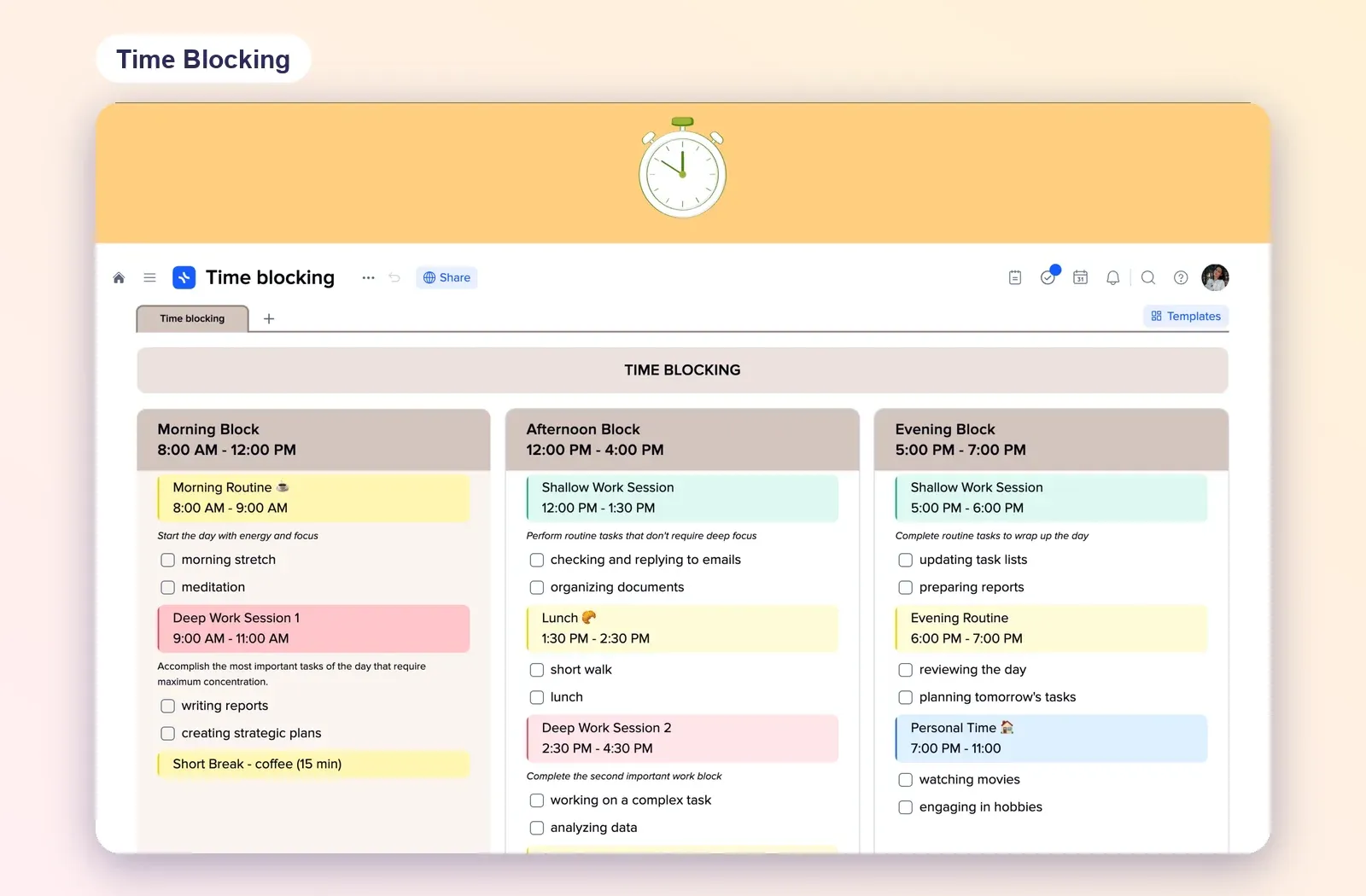
2. Time Blocking: the revision day in blocks
Morning, afternoon and evening blocks with times and colour-coded sessions. Swap the work sessions for revision blocks and breaks. Open the Time Blocking template.
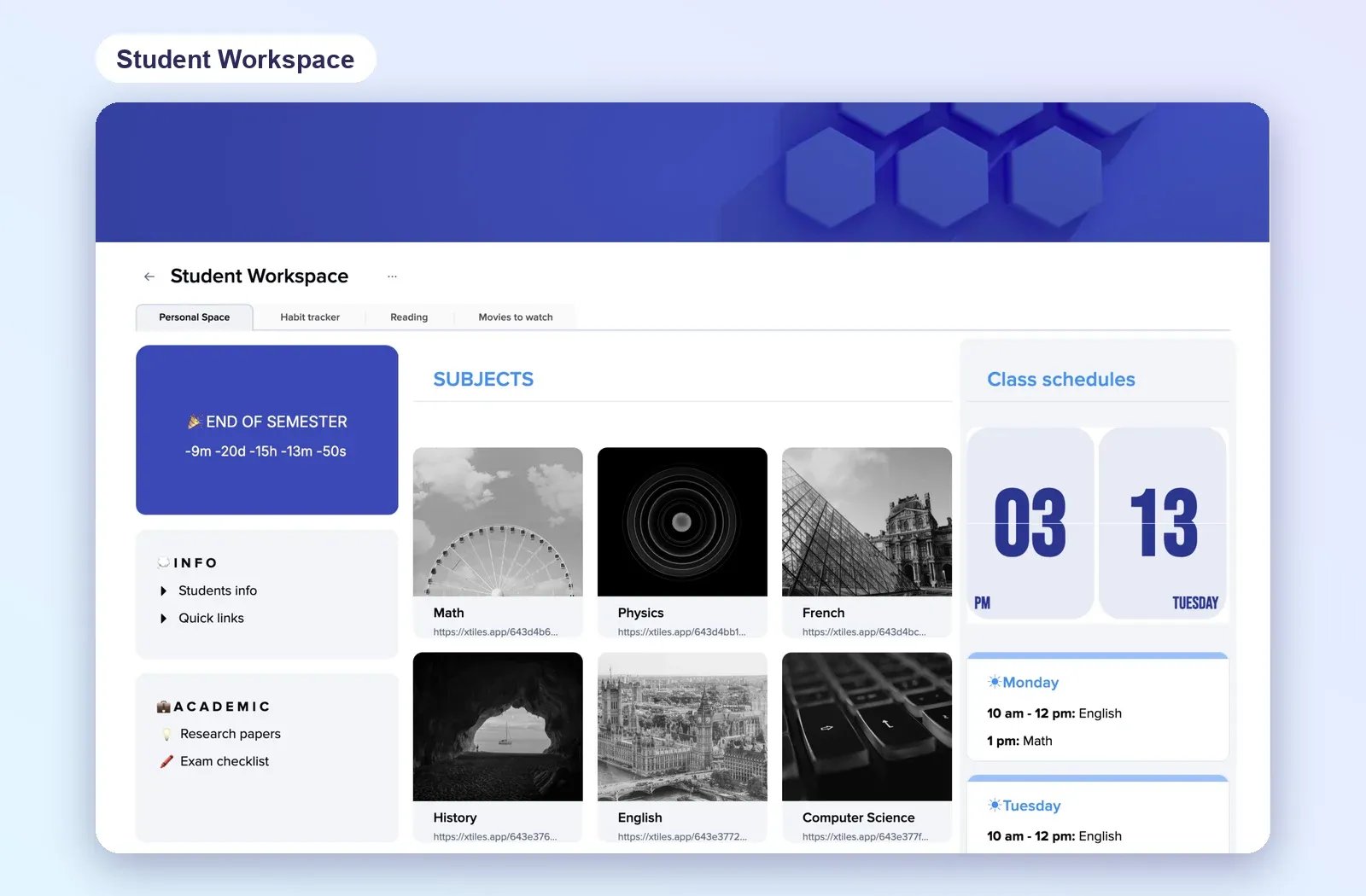
3. Student Workspace: subjects and a countdown
A hub with a countdown to the end of term, a tile per subject, class schedules and quick links. Point the countdown at the first exam. Open Student Workspace.
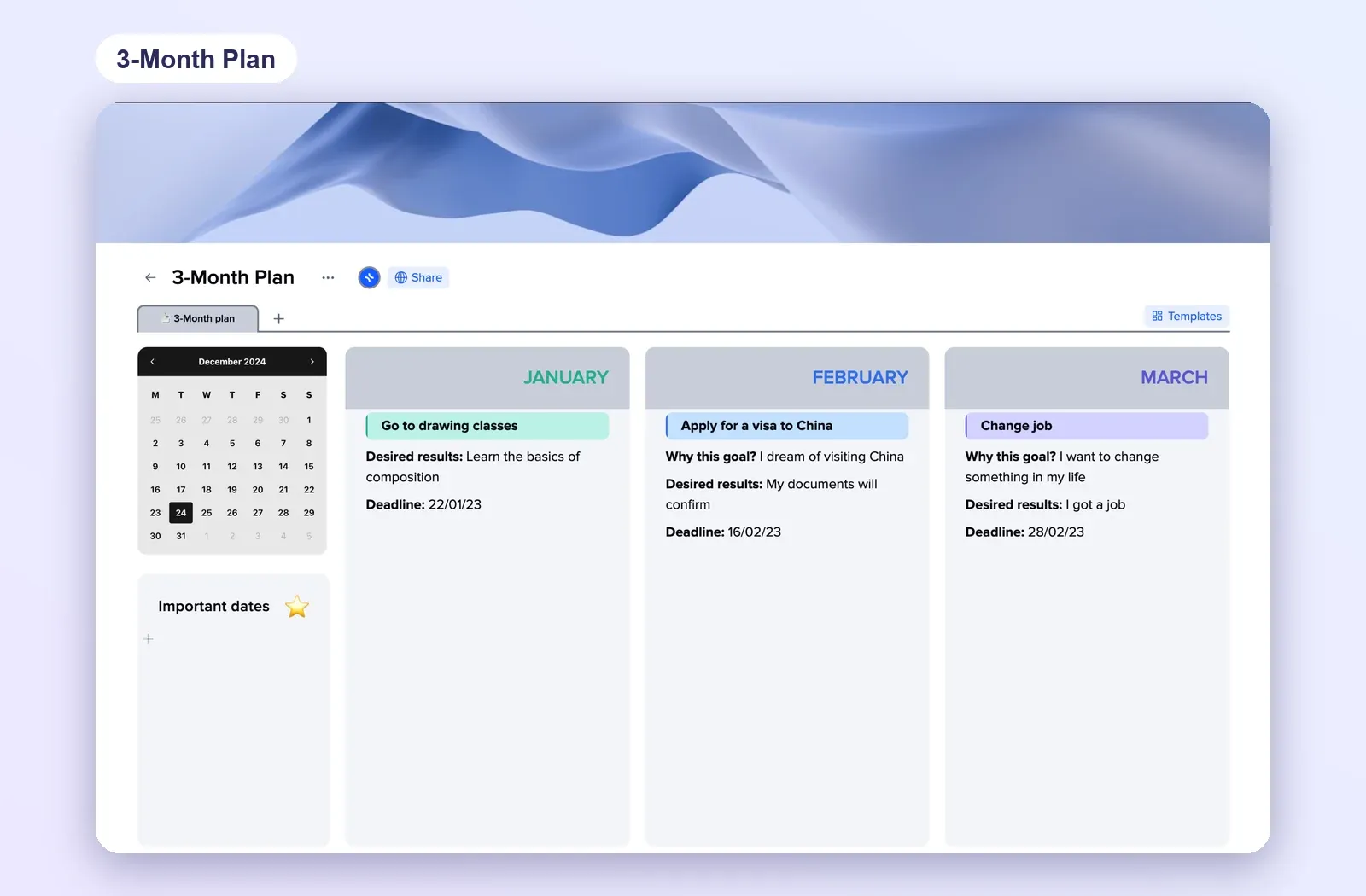
4. 3 Month Plan: the run-up to exams
A calendar, important dates and one column per month with a goal, desired result and deadline. Good for the three months before the summer exams. Open the 3 Month Plan.
Setting it up for a student in ten minutes
If you are a tutor, a parent or a study-skills adviser, the fastest route is to fill in the first week together:
- Open a template and duplicate it into the student's own workspace, so the student owns the copy.
- Add the exam dates first, as tasks with a date. Any task with a date appears in My Planner on that day.
- List the topics for one subject and colour them together. The rest can follow later.
- Plan only the first week. A finished first week is more motivating than a half-planned term.
- Install the mobile app so the day's blocks are on the student's phone.
If the student uses Claude, the typing can go faster too: connect xTiles to Claude, paste the topic list or deadlines and ask it to create a dated task for each one.