Why most SOPs still end in a phone call
An SOP (standard operating procedure) is a written set of steps for a task that repeats. Most small businesses have some, usually a document written once from memory. A freelancer opens it, gets stuck on step four because a button moved or a login is missing, and messages you. Then you do the task yourself.
Natalie, a consultant we spoke with, is building a business run by a group of freelancers around the world. Eighteen have signed up so far, for client projects and for internal operations. Her plan depends on SOPs that work without her:
"I'm trying to build my business so I can outsource sections of what I need done."
She also described how she learns new tools, and it is a good test for any SOP: "for me, it's just seeing how do you do it, and then I know and I can do it." An SOP should show the task, not describe it.
What goes into an SOP
Keep the same sections in every SOP, so a freelancer always knows where to look:
- Purpose. One sentence on what the task achieves and for whom.
- When to use it. The trigger, for example "a new client signs the contract".
- Before you start. Logins, files and tools the person needs, with links.
- Steps. Numbered, one action per step, each with a screenshot.
- Done when. What the finished result looks like, so the person can check their own work.
- Common mistakes and who to ask if something does not match.
The "done when" line saves the most messages. Without it, people finish the steps and still ask whether they did it right.
How to write an SOP in five steps
1. Do the task once and take notes as you go
Write each click and decision while you do the real task, not afterwards from memory. Memory skips the small steps that confuse new people.
2. Take a screenshot for every step
Crop it to the part of the screen that matters and mark the button or field. A screenshot answers "where is it?" faster than a paragraph.
3. Rewrite the notes as commands
Start each step with a verb: "Open", "Copy", "Send". One action per step. If a step has an "and", split it in two.
4. Give it to someone who has never done the task
Ask them to follow it without asking you anything and to note where they hesitated. Every hesitation is a missing step or an unclear screenshot.
5. Fix it and name an owner
Update the steps, add the date, and write who keeps the SOP current. When a tool changes, that person updates the screenshots.
Keep every SOP in one place your freelancers can open
An SOP only helps if people can find it. Scattered documents, chat messages and email attachments are where outsourcing usually breaks. In xTiles, one project can hold all of them:
- Create an Operations project with a page per area, for example Client work, Internal ops and Onboarding.
- Give each SOP its own page, or a tile on the area page if it is short. Screenshots go into the tiles next to the steps they show, and you can embed a short screen recording too.
- Share the project with your freelancers with can view access, so they can read every SOP but cannot change them by accident.
- If a client project workspace needs one of the SOPs, paste it there as a linked page. It stays in sync with the original, so you update it in one place.
Add a short index page at the top of the project: every SOP, its trigger and its owner. New freelancers start there.
Optional: let Claude turn rough notes into a first draft
Turning notes into clean steps takes the most time. If you already use Claude, connect it to xTiles and give it the notes from step 1:
"Here are my notes from doing [task]. Create a page called SOP: [task] in my Operations project with these tiles: Purpose, When to use it, Before you start, Steps, Done when, Common mistakes. Write one action per numbered step and add a placeholder like [Screenshot: the Send button] where a screenshot is needed. Do not add steps that are not in my notes."
Then replace each placeholder with your real screenshot and run the test from step 4. Claude does not know your tools, so the draft still needs the person who did the task. The last line of the prompt keeps it from inventing steps.
Free SOP templates and related layouts
All four are free in the xTiles template gallery.
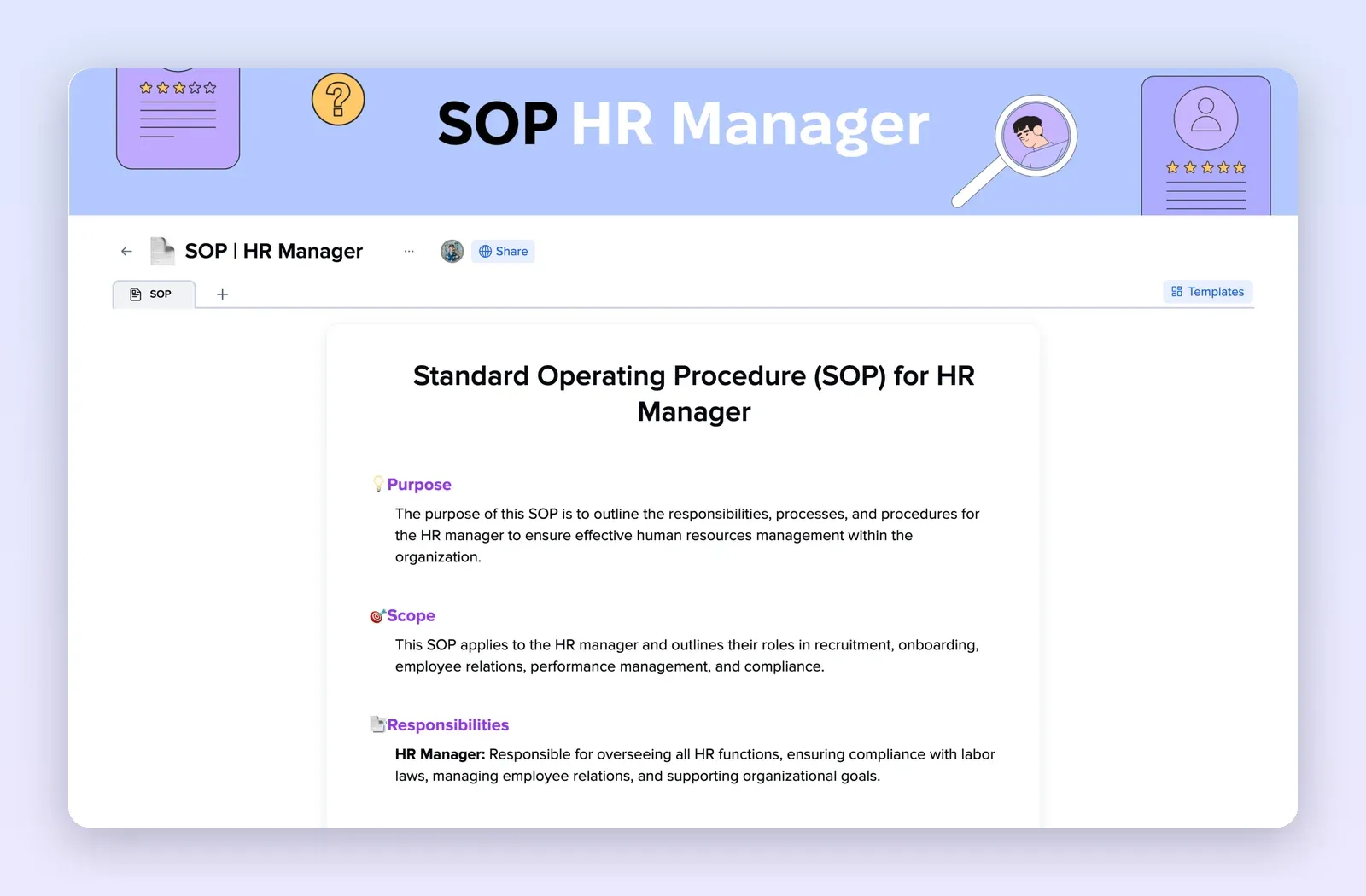
1. SOP HR Manager: a ready SOP structure
A one-page SOP with purpose, scope, responsibilities, definitions and procedures. Replace the HR content with your task and keep the sections. Open the SOP HR Manager template.
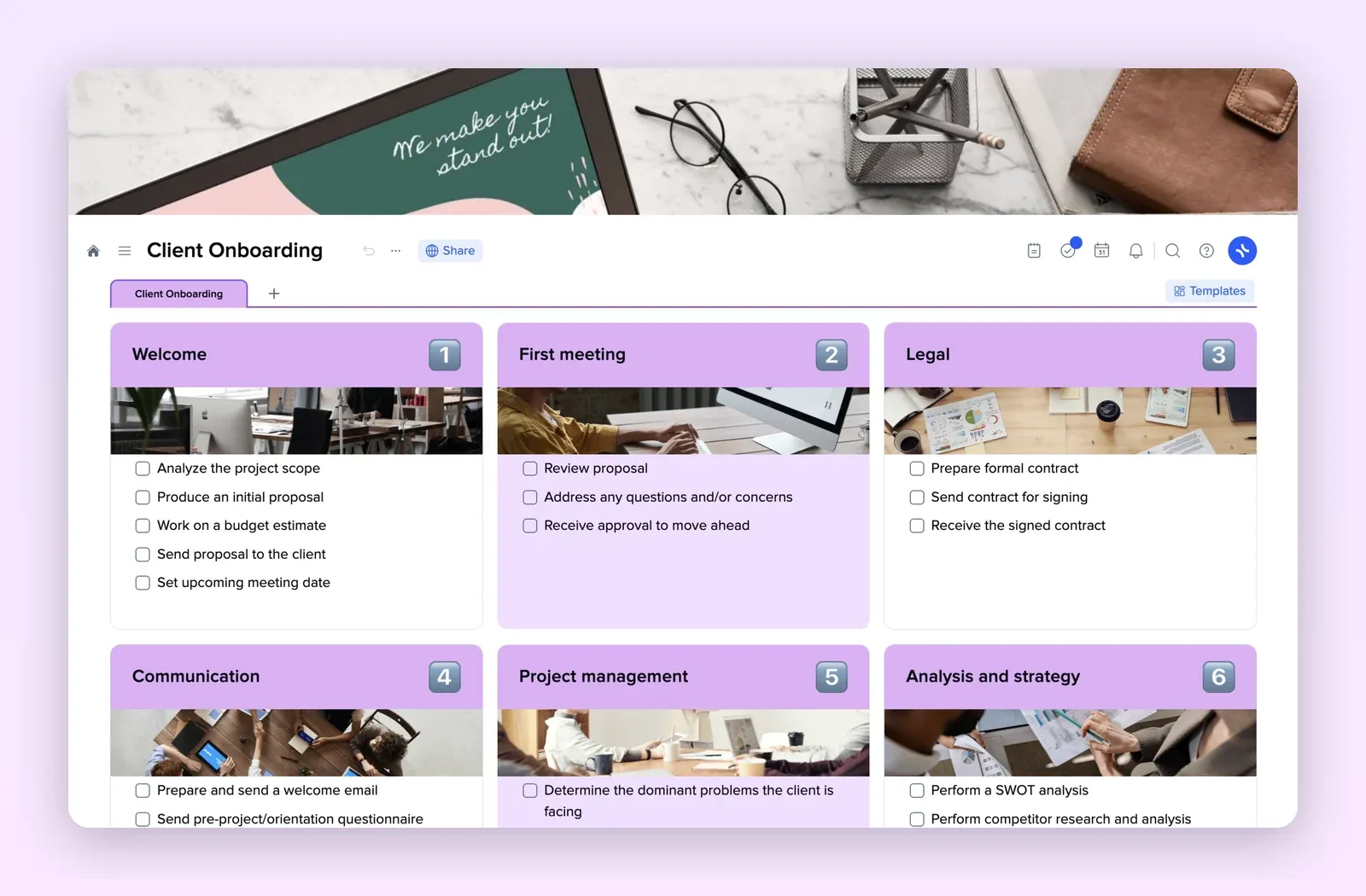
2. Client Onboarding: a process as numbered checklists
Six numbered tiles from welcome to analysis, each with a checklist. A good shape for SOPs where a freelancer ticks off steps. Open the Client Onboarding template.
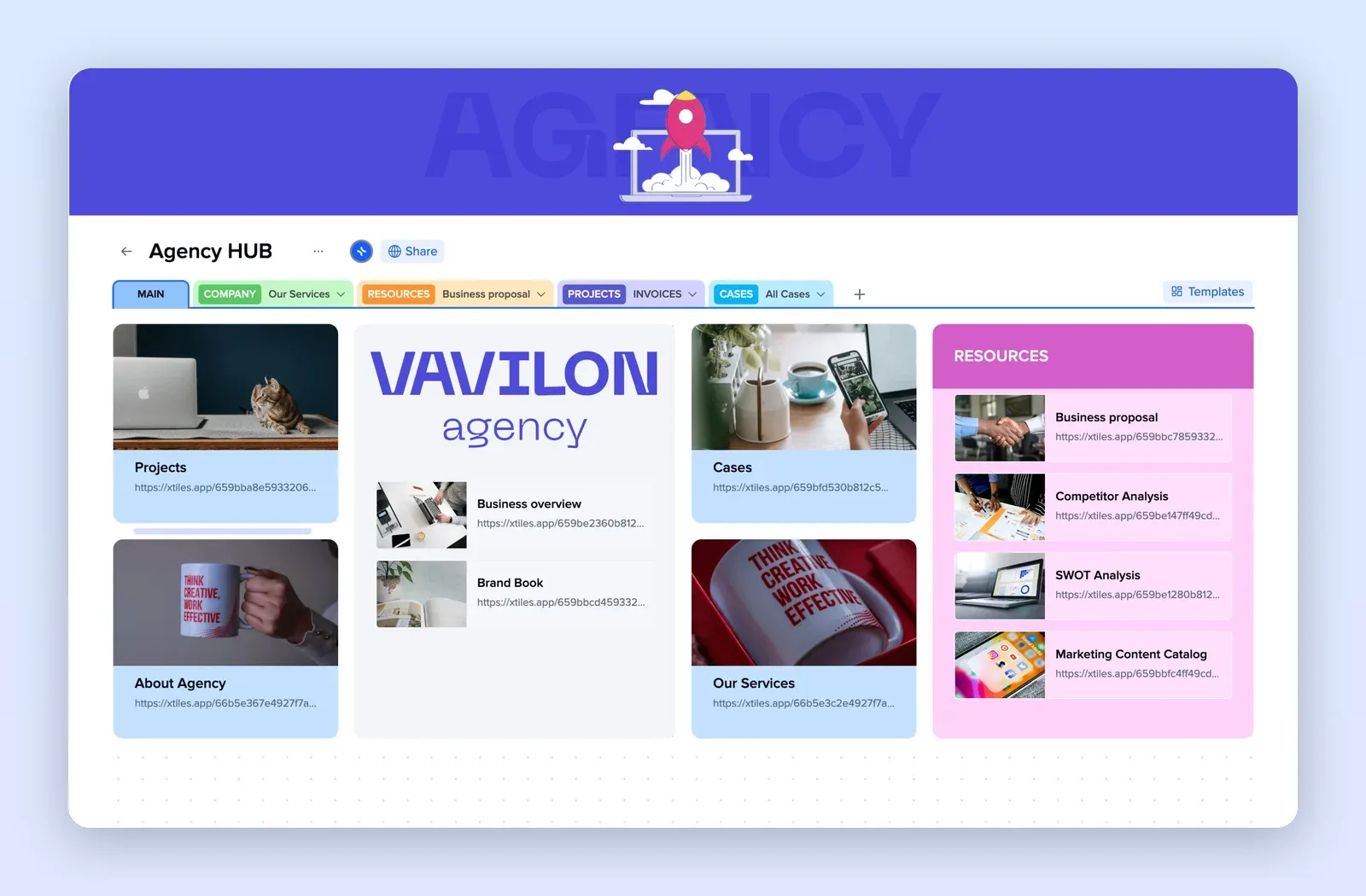
3. Agency Hub: one home for projects and resources
Tabs for company, resources, projects and cases, with link tiles to each page. Use it as the index of your Operations project. Open the Agency Hub template.
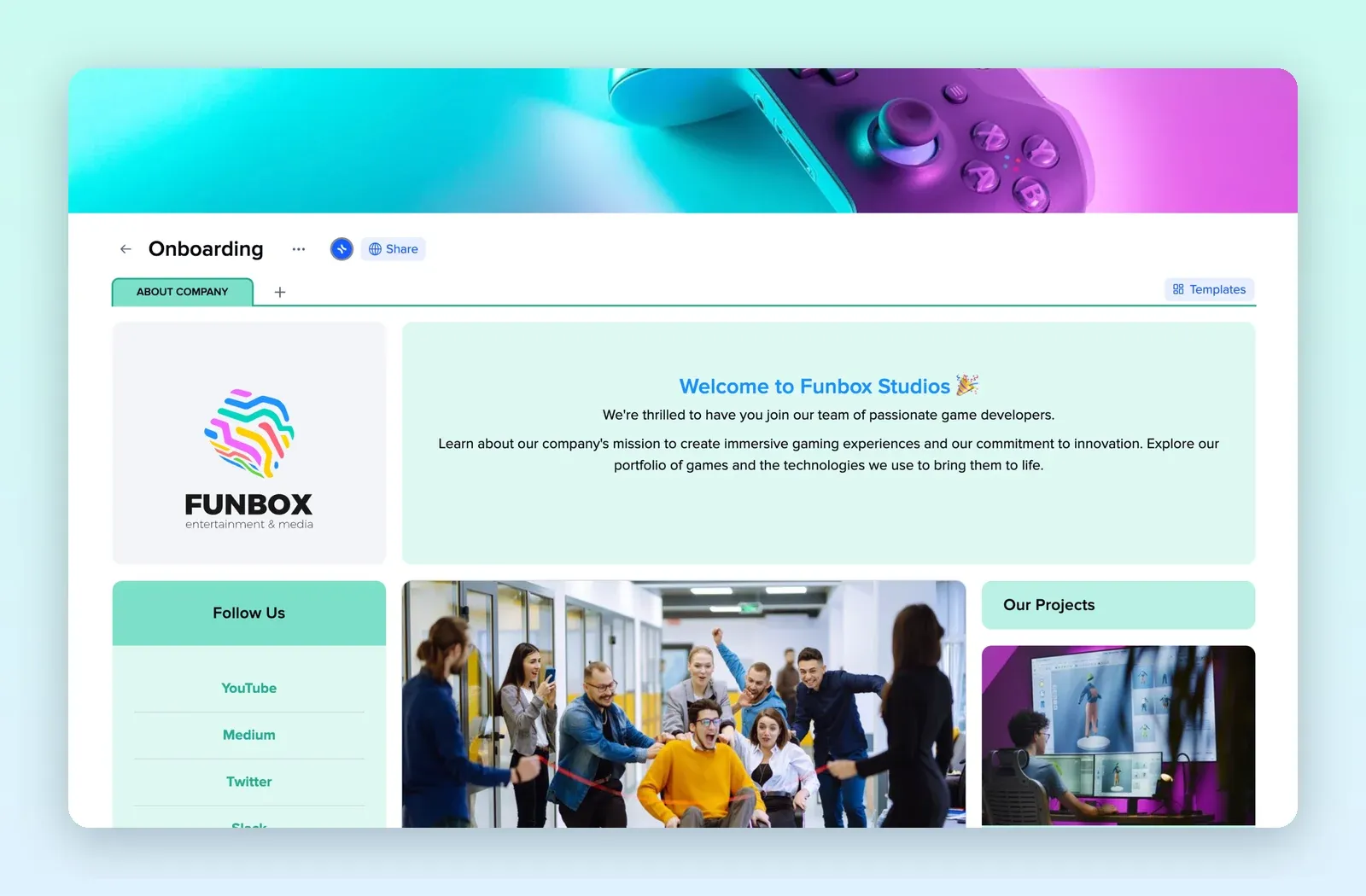
4. Onboarding: the first page a new freelancer sees
A welcome tile, links, projects and team information on one page. Put links to the SOPs a new person needs in week one here. Open the Onboarding template.