Why most goals stop by February
Setting goals is the easy part. Most of them stall because they never turn into something you look at every week. A goal written once in January and checked again in December is a wish, not a plan.
This guide covers both halves: how to set goals for 2027 that are clear enough to act on, and how to track them so they stay in front of you. The tracking part comes from Katrin, who runs a web design business in Germany, has ADHD, and plans every week on a single page.
"When I do not have my day planned visually, on one page with all my tasks planned ahead for one week, my day just doesn't work."
How to set goals for 2027 in 4 steps
1. Pick three to five areas of life
Career, money, health, relationships, learning, home. You don't need all of them. Choose the few where a change next year would matter most, and leave the rest on autopilot.
2. Write one big goal per area
One goal per area keeps the list short enough to remember. "Grow the business" is a direction; "10 new clients in 2027" is a goal.
3. Make each goal SMART
Specific, measurable, achievable, relevant and time-bound. If you can't tell on 31 December whether you hit it, rewrite it until you can. Our SMART goals examples for work show what that looks like.
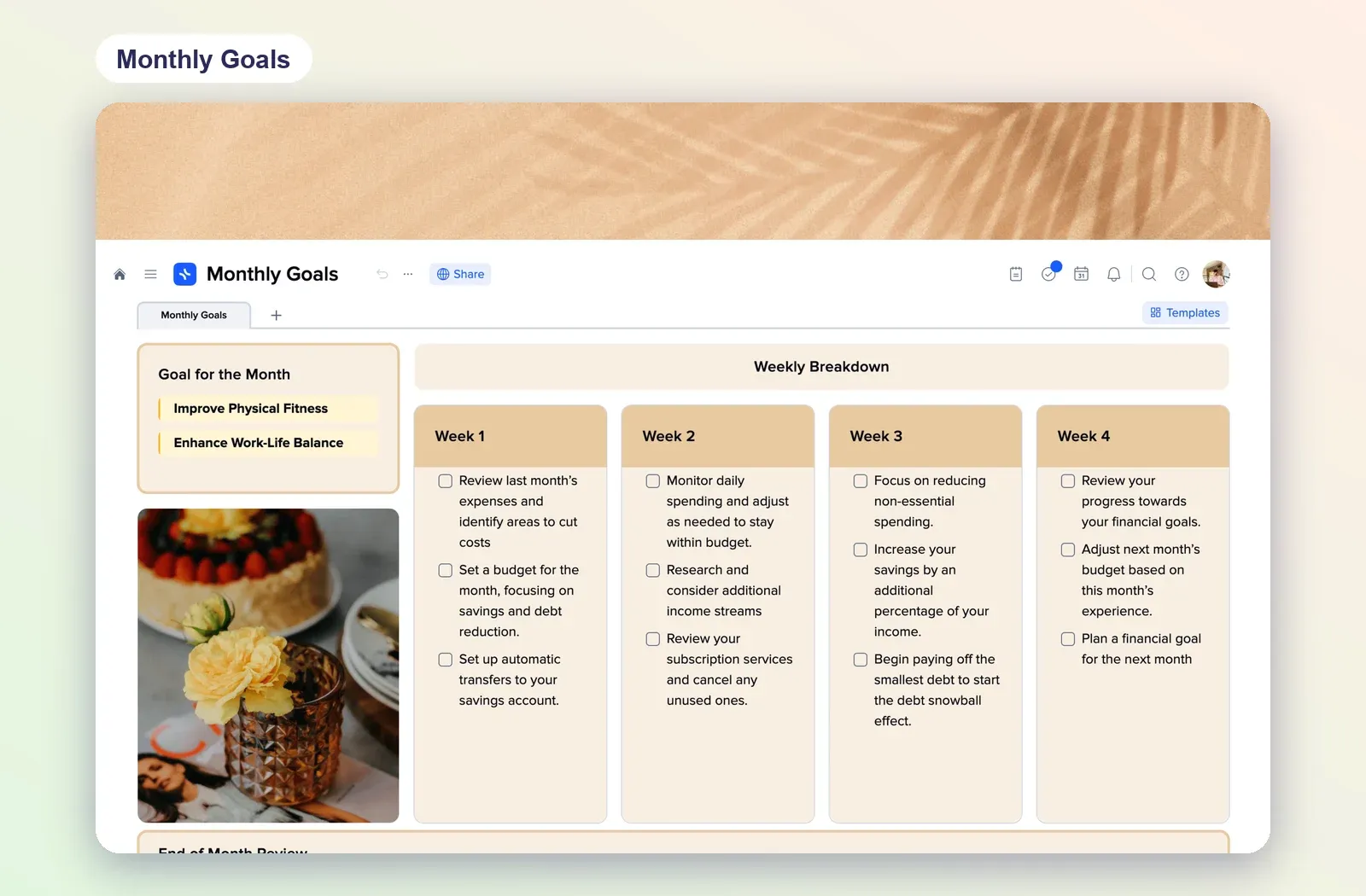
4. Break each goal into months
Ask what has to be true by the end of each quarter, then each month. The monthly step is the bridge between a yearly goal and a to-do list you can work from this week.
How to track goals: one page per week
Katrin learned this set-up from an ADHD coaching webinar and rebuilt it in xTiles. The whole week lives on one page, and the flow is always the same:
- Brain dump. Every to-do for the week goes into one big list first, so nothing lives only in your head.
- Top three priorities. Pick the three things that move this month's goals forward.
- Spread them over the days. Each priority and its smaller tasks get a day, Monday to Sunday.
- Daily review below. A short note at the end of each day: what got done, a win, something you're grateful for.
- A tracker for daily habits, so you can see a streak at a glance.
If your list keeps growing faster than your week, separate the master list from the weekly focus. We wrote about how to do that in GTD with ADHD: keeping a master list without overplanning your day.
Score every day from 0 to 30
This is the part of Katrin's system worth copying. Gamification matters a lot for Katrin, so every day gets a score in steps of ten:
0: a day off, or a day where nothing got done.
10: the top priority for the day is done.
20: the top priority plus some extra tasks.
30: all three priorities and the extras. A very effective day.
Add the days up and you get a weekly total. Katrin's recent weeks came in at 150 and 160, and comparing totals week to week says more about progress than any single day. The scale is deliberately rough: it takes ten seconds to fill in, so it actually gets filled in.
"Every day, I rate the day from 0 to 30. 30 is a very effective day."
Streaks do the rest. A row of empty days on a habit tracker is a nudge to do it today, which is exactly what Katrin uses it for.
Review the week, then start the next one clean
Once a week, look at the score, the streaks and the three priorities. Did the week move a monthly step forward? If not, adjust next week's priorities, not the yearly goal.
- Let AI do the review. If you connect xTiles to Claude, it can read your week and tell you what moved and what slipped. See how to ask AI to review your whole week and hold you accountable.
- Don't rebuild the page every Sunday. Once your weekly page works, save it as a template, so the next week starts from the same layout.
- Give goal tasks a date. Any task with a date, from any project, appears in My Planner on that day, so your goal steps sit next to the rest of your week.
Free goal setting templates to start from
Start from a template instead of a blank page. All four are free in the xTiles template gallery.
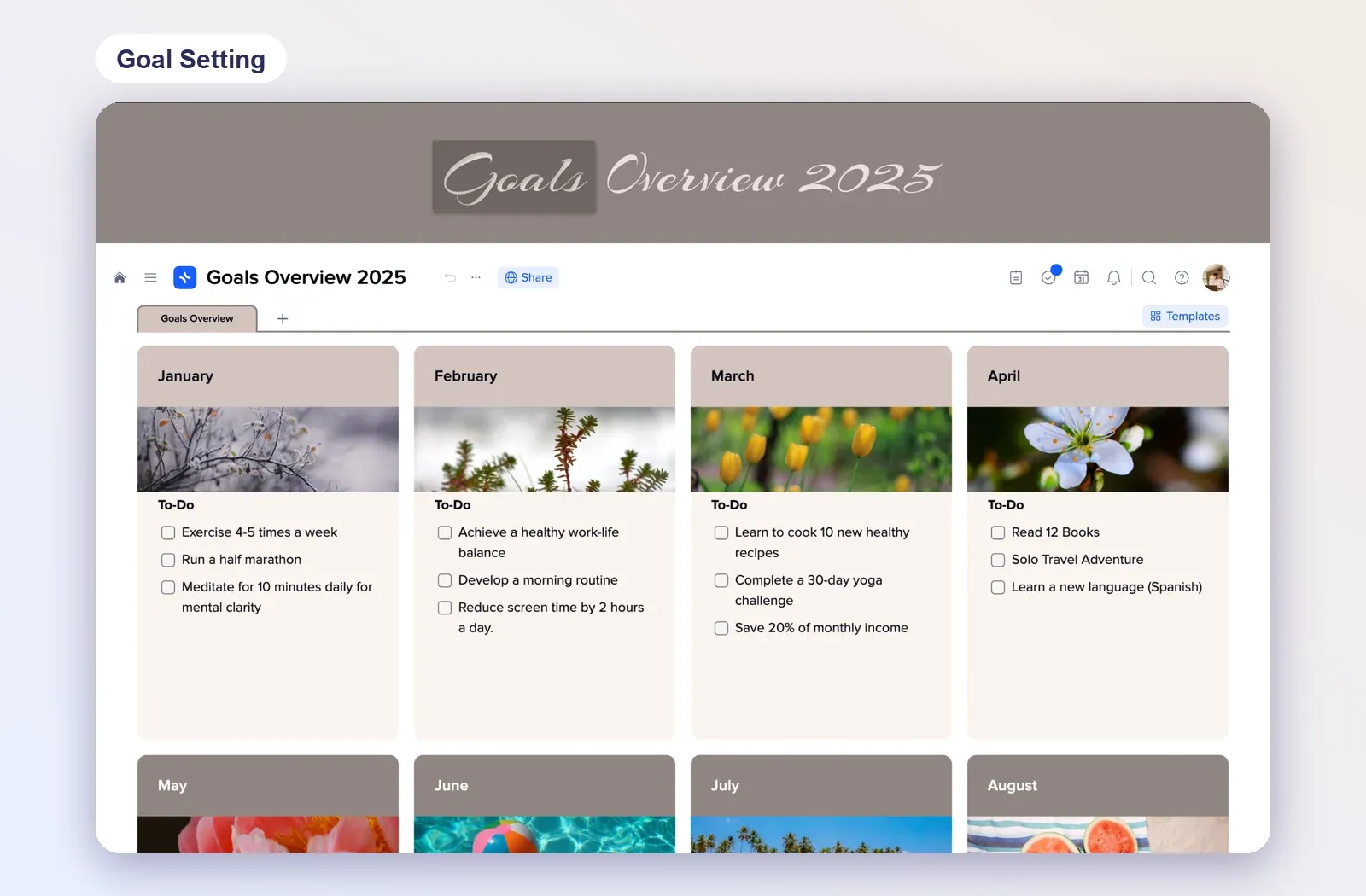
1. Goals Overview: the year month by month
A tile for each month with an image and a short to-do list. Good for step 4: breaking yearly goals into months. Rename the year at the top and start filling January. Open the goal setting template.
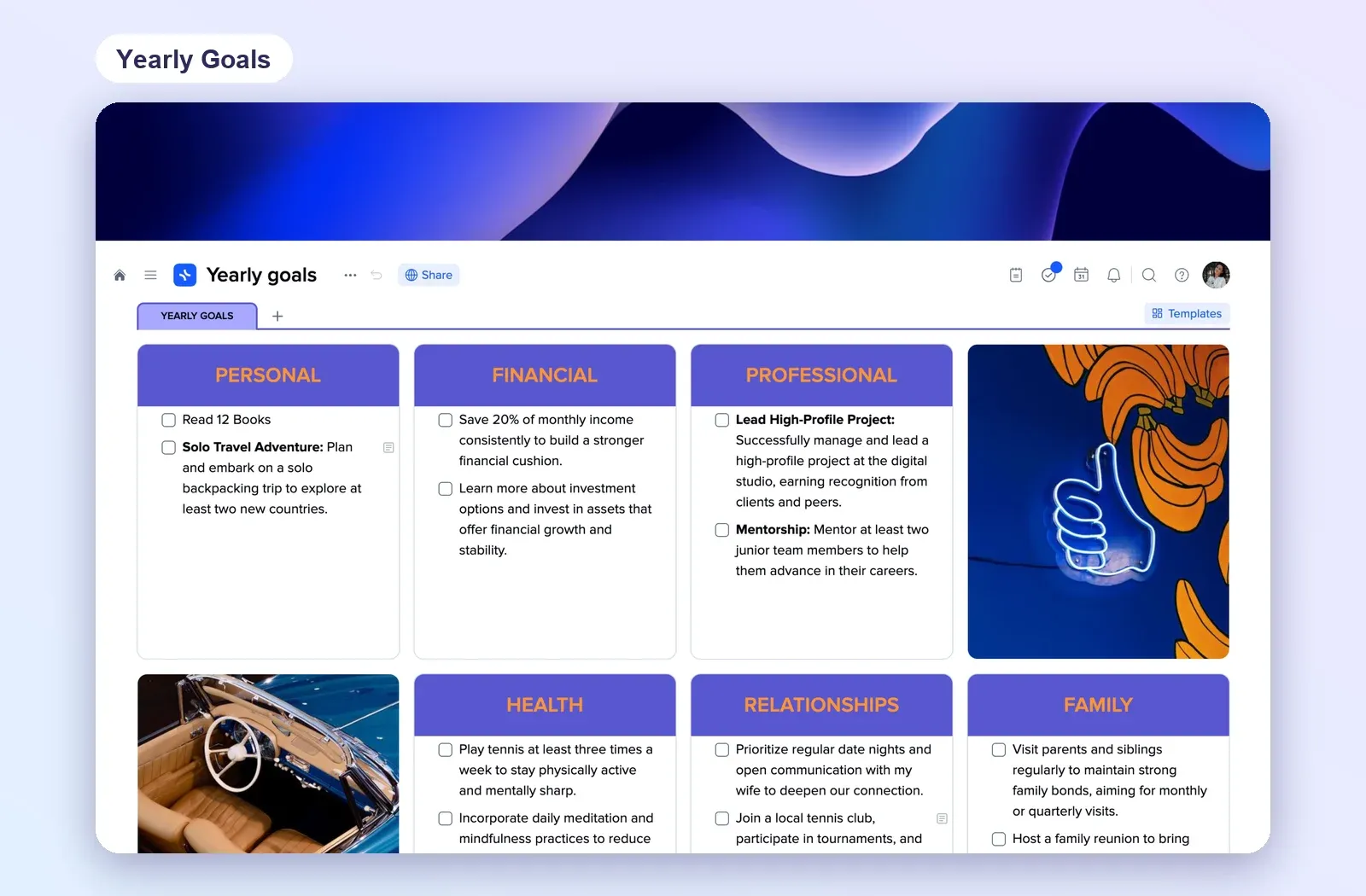
2. Yearly Goals: one column per life area
Personal, financial, professional, health, relationships and family, each with a checklist of goals. Good for steps 1 and 2. Open Yearly Goals.
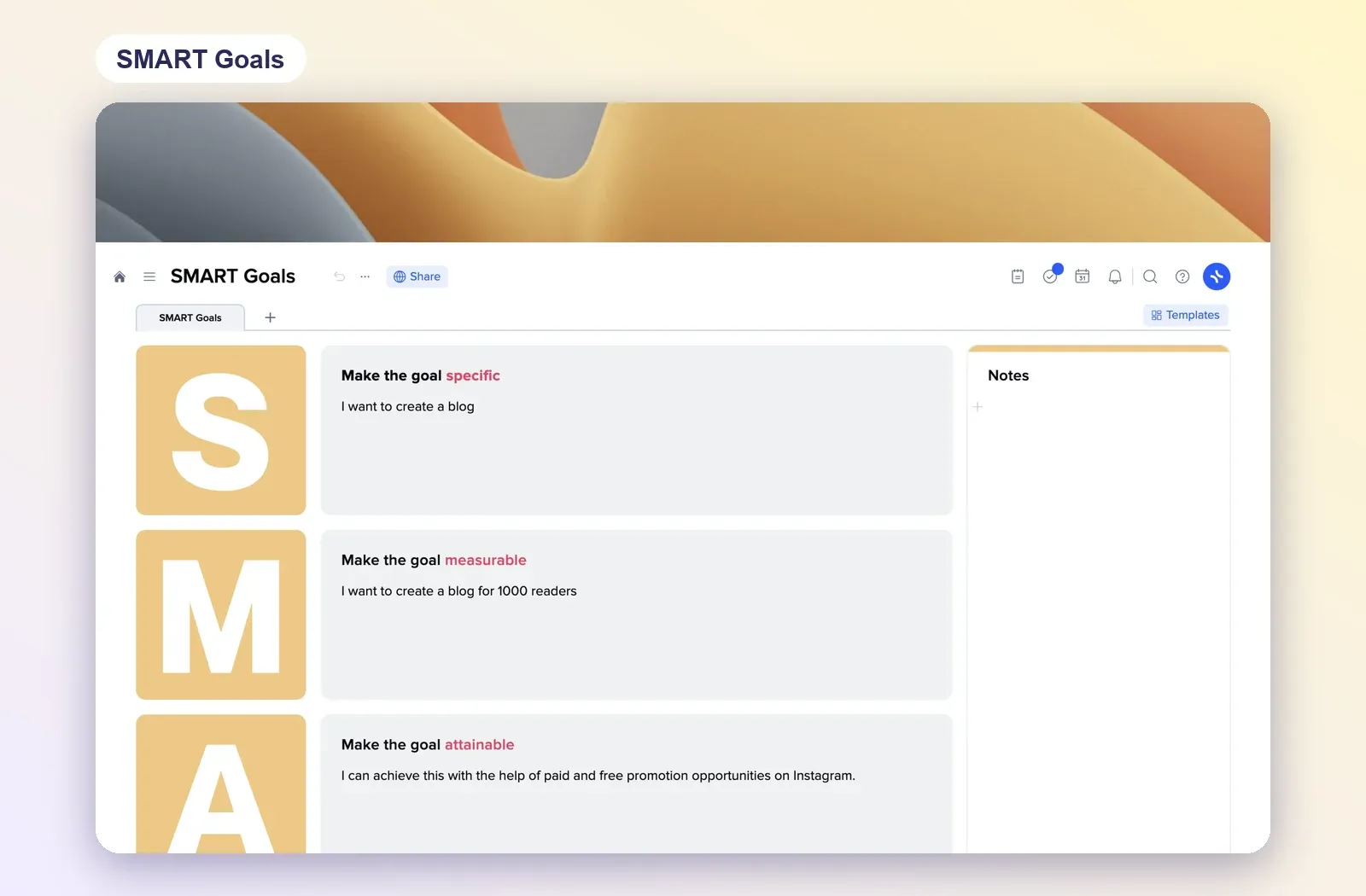
3. SMART Goals: make a goal measurable
One tile per letter, from specific to time-bound, with space for notes. Run your biggest goal through it before you plan anything else. Open SMART Goals.
4. Monthly Goals: from month to weeks
Goals for the month, a weekly breakdown in four columns and an end-of-month review. The link between a yearly goal and your one-page week. Open Monthly Goals.