The time and task gap in a DSA needs assessment
Disabled Students' Allowance (DSA) helps UK students with extra study costs linked to a disability or condition, including ADHD. As part of the process, a needs assessor meets the student and recommends support, which can include assistive technology and training.
Time and task management is one of the harder areas to get right. Many students with ADHD already have a calendar app and a to-do list, and still miss deadlines, because the information sits in too many places: the university's learning platform, email, a calendar, a notes app and a list on their phone. Adding one more list rarely helps.
We recently showed xTiles to a group of UK needs assessors in a short lunchtime session. The reaction from the host, quoted above, sums up where a visual planner fits: it is not another calendar or another list, but a place where both live together and can be seen at once.
Why a visual layout helps students who drop lists
- Everything on one screen. In xTiles, content sits in tiles on a page, a bit like sticky notes. Tasks, notes, images, links and tables can be side by side instead of in one long scrolling document.
- Colour and images as cues. Students can colour tiles by module or type of work and add a picture that makes a page their own. For some students, that personal touch is what keeps them coming back to the planner.
- One view of the day and the week. The planner pulls dated tasks from every page into a daily and weekly view, next to calendar events and notes. Students can zoom out to the week and drag a task to another day.
- Fewer places to check. A web clipper saves articles and resources straight into a page or into today, and calendar sync brings timetables and appointments in.
Questions to ask a student before recommending a visual planner
A visual planner suits some students better than others. These questions help to decide:
- Where do your deadlines live today? If the answer is "in four places", a tool that brings them together is worth considering.
- Have you tried lists or calendar apps and stopped using them? If the student lost interest rather than found them hard, a more visual, customisable tool may hold attention longer.
- Do you think better when you can see things side by side? Students who sketch, use sticky notes or spread papers on a desk often take to tiles quickly.
- Which devices do you use? xTiles works on the web, as a desktop app and on mobile, so the same plan is on a laptop in the library and on a phone between lectures.
- Who supports you? A page can be shared with a study skills tutor or mentor, so sessions can start from the student's actual plan.
Setting it up in the first week
A recommendation works best when the first setup is small. For a student starting out, a week-one plan looks like this:
- One page per module, with tiles for the module overview, lecture notes, reading and assignments.
- Every assignment as a task with a due date. It then appears in the planner next to everything else.
- Reminders on deadlines, for example a day or two before, so nothing arrives as a surprise.
- Calendar connected, so lectures and appointments show in the same daily view.
- A weekly look at the planner, ideally in a study skills session, to move tasks that will not fit and break big assignments into smaller steps.
For a fuller study routine, see how to study effectively with ADHD and a day-by-day ADHD study system.
A note on AI assistants
xTiles also connects to ChatGPT and Claude, so a student who already uses one of them can ask it to add tasks or a summary to their planner. It is optional: everything in this article works without AI, and some students and institutions will prefer to keep it that way.
Free templates for students with ADHD
All four are free in the xTiles template gallery and are a quick way to show a student what the setup can look like.
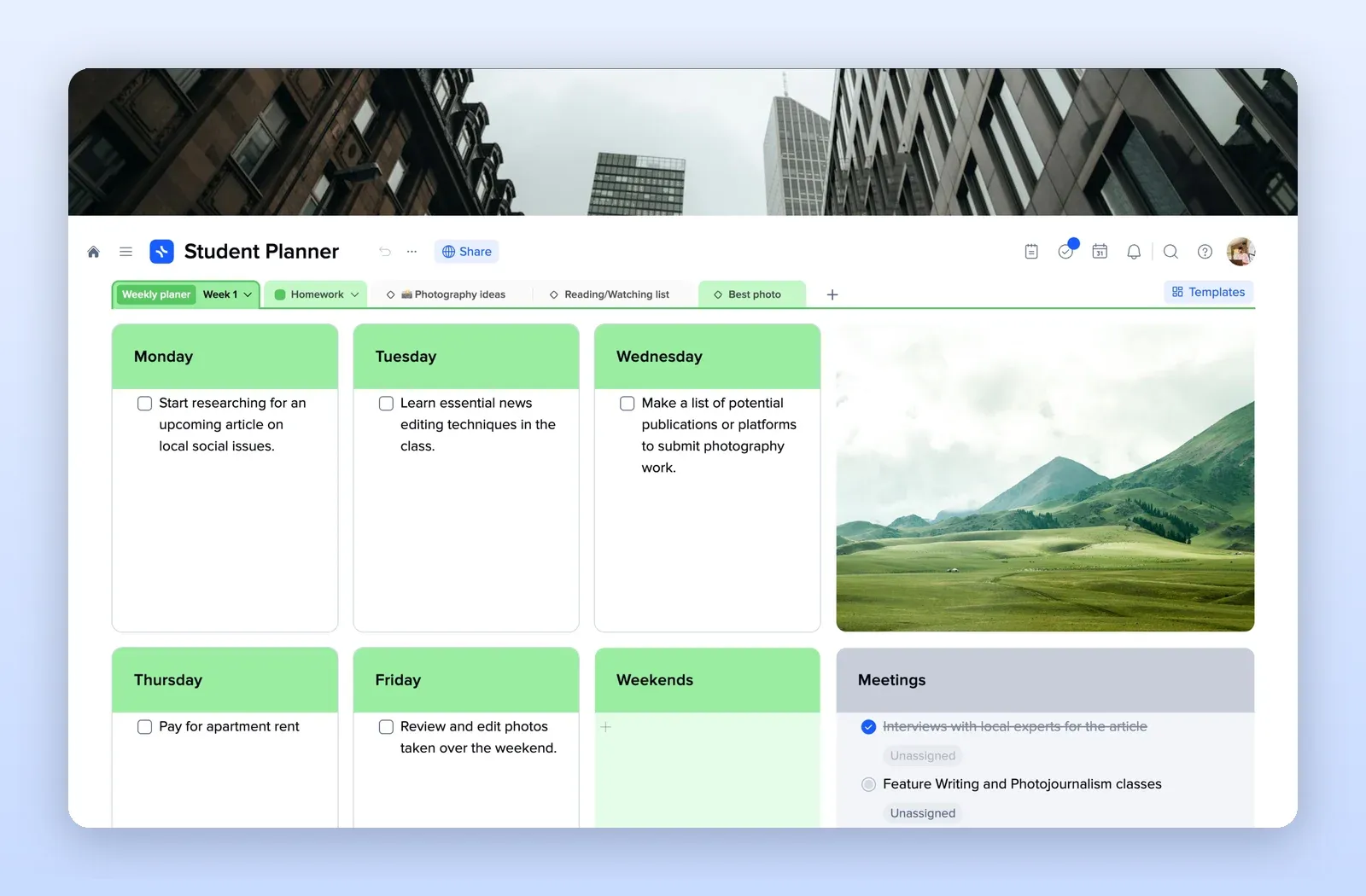
1. Student Planner: the week at a glance
A tile for each day, a meetings tile and tabs for homework and reading lists. Open the Student Planner template.
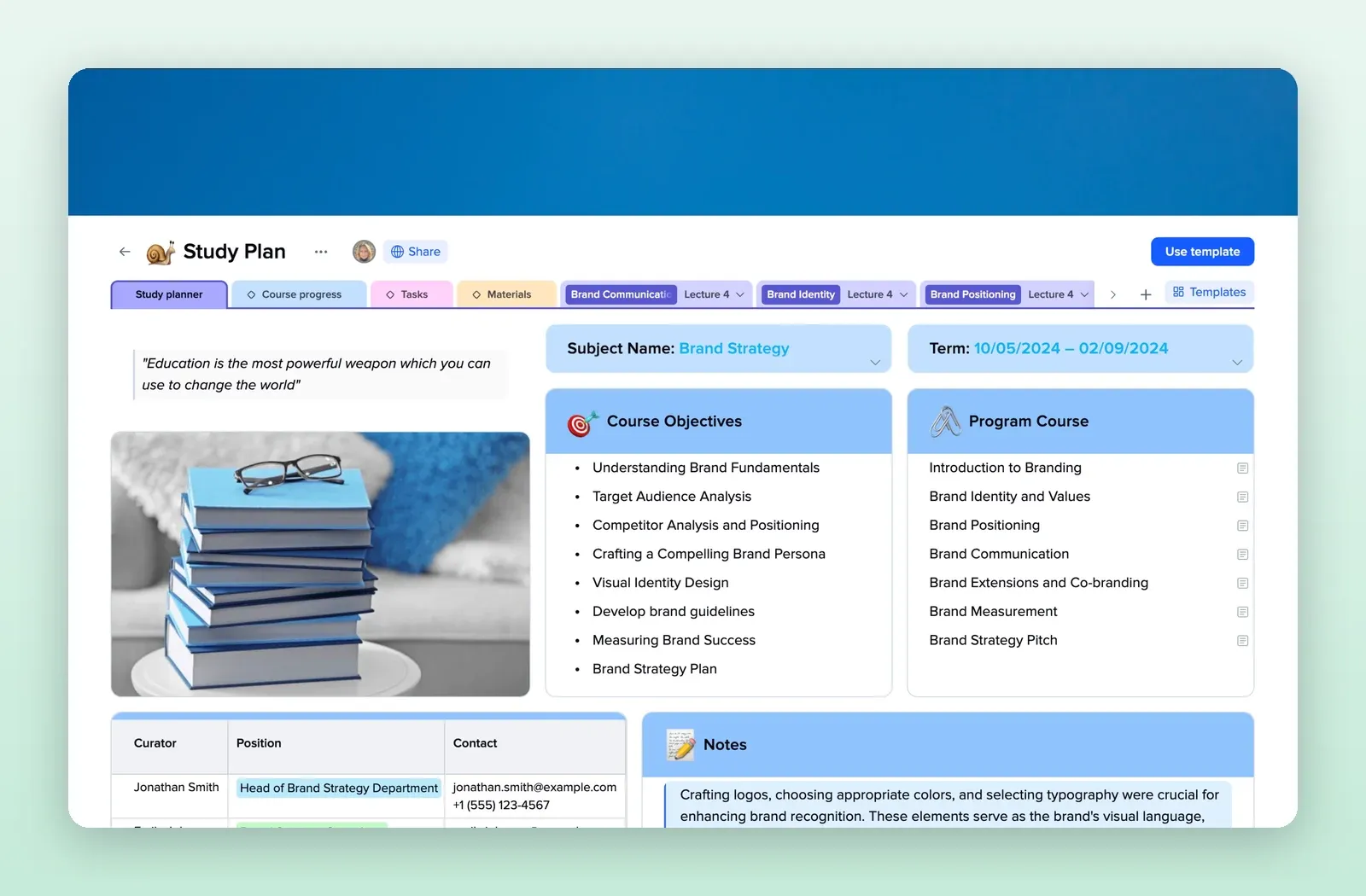
2. Study Plan: one page per module
Subject, term, course objectives, the programme of lectures, contacts and notes, with tabs for progress, tasks and materials. Open the Study Plan template.
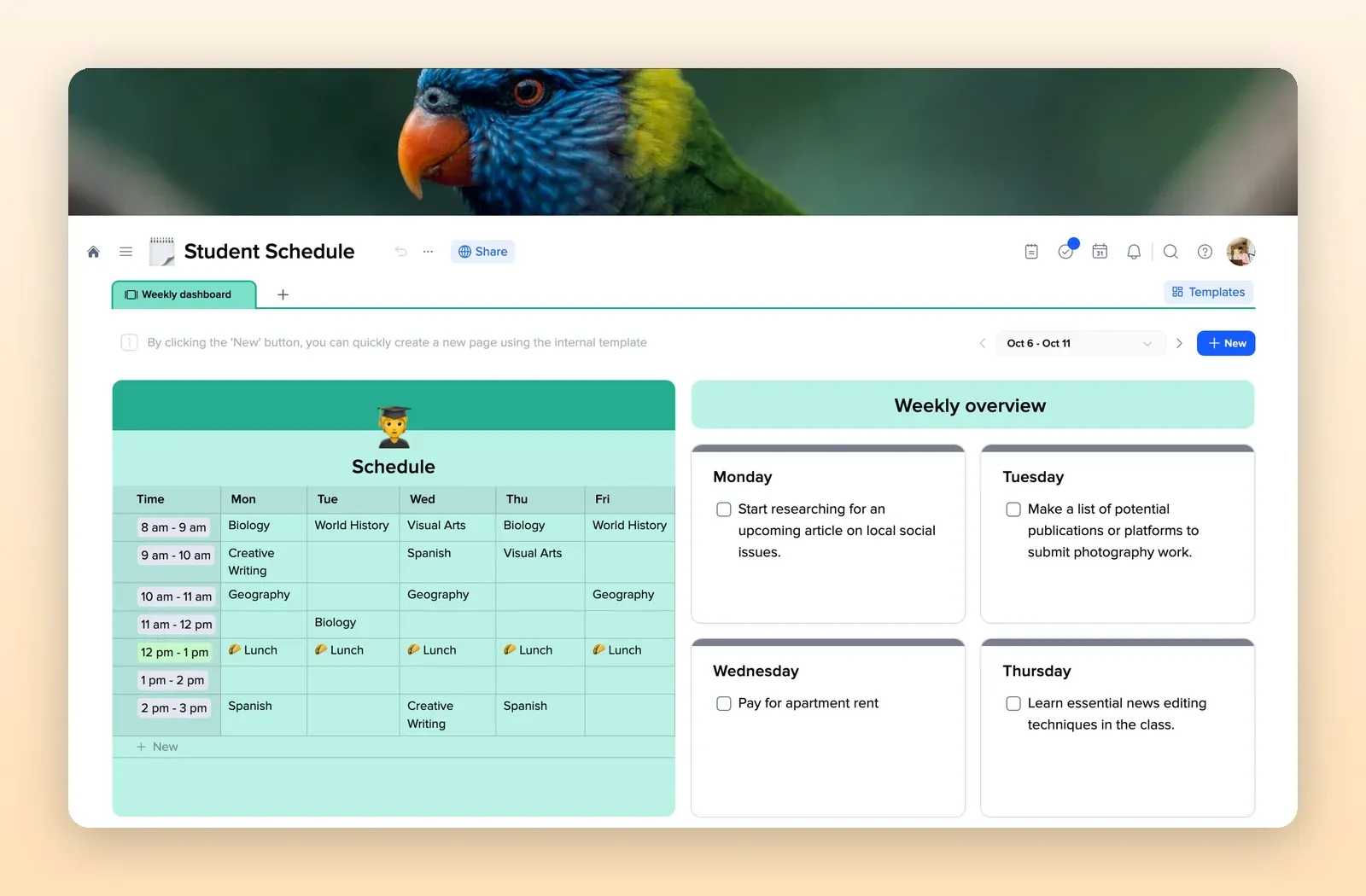
3. Student Schedule: timetable and tasks together
A weekly timetable next to a day-by-day overview of tasks. Open the Student Schedule template.
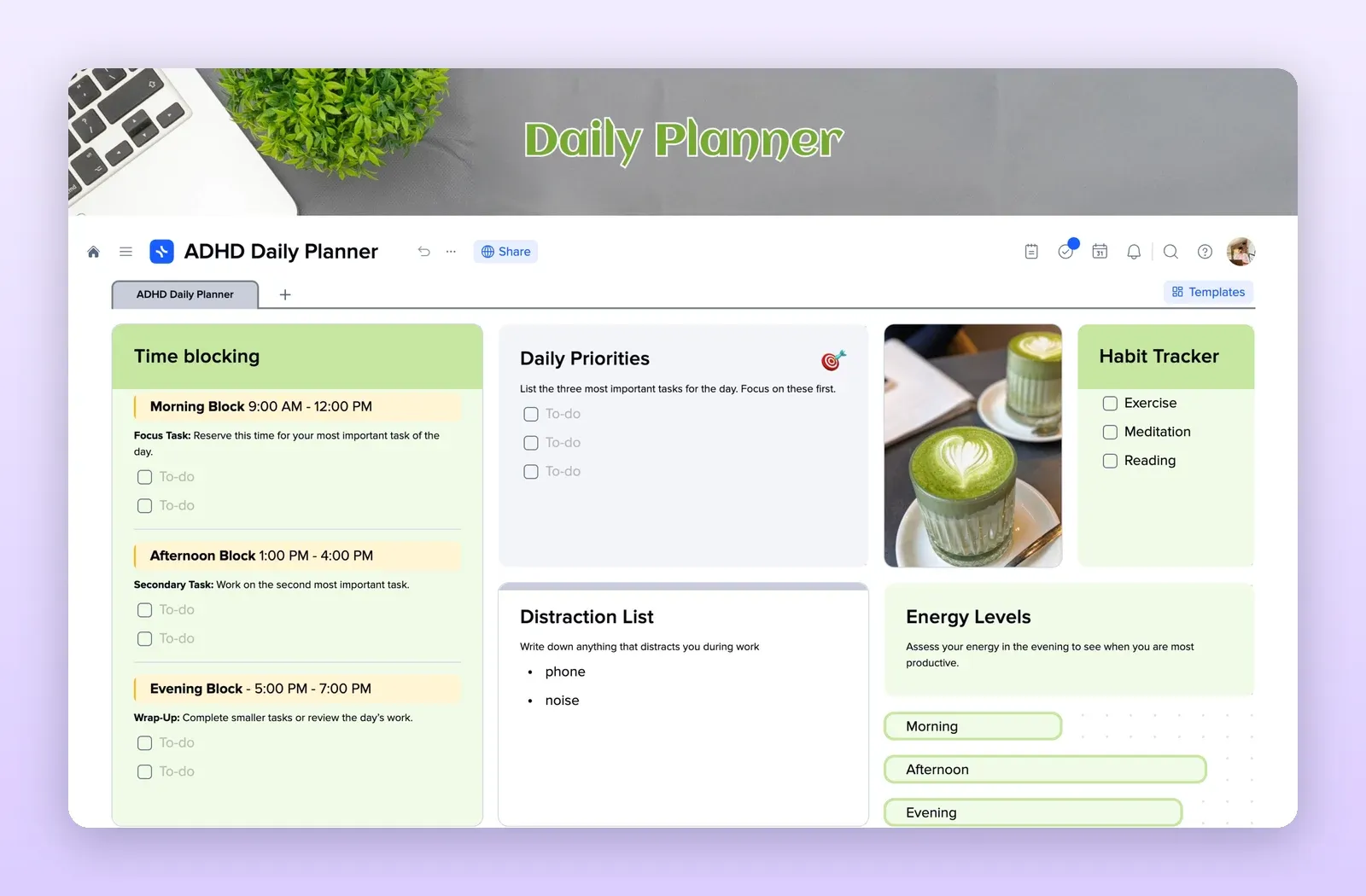
4. ADHD Daily Planner: a day in blocks
Time blocks, three daily priorities, a distraction list, a habit tracker and energy levels. Open the ADHD Daily Planner template.