Not a dashboard — a command center
Anthony runs a coaching and consulting business with a business partner, and when he first went looking for a tool like xTiles, he was careful about the word he used for it. Not a dashboard — to him, that word meant metrics and KPIs, something more analytical than what he actually needed. What he wanted was a command center: one page, everything visible at once, without having to open five separate apps to reconstruct what his day looked like.
That framing matters for anyone with ADHD evaluating productivity tools. The problem is rarely a lack of apps — it is the cost of switching between them. A calendar here, a task manager there, notes in a third place: each one might work fine on its own, and the effort of holding all of them in your head at once is what actually drains the day.
Running the business and the team in one workspace
Before consolidating, Anthony's setup was familiar to anyone who has tried to run a small business without settling on one system: Google Calendar for time blocking, Google Tasks for to-dos, and xTiles tasks layered on top for some things but not others. Nothing wrong with any single piece — the problem was that nothing pulled them into one view.
The shift he and his business partner are still working through is moving both the business side — client work, planning, tasks — and the personal side into xTiles Spaces and Projects, rather than treating xTiles as one more tool alongside the others. It is a gradual process, not a switch flipped overnight, and that is a realistic way to describe most tool consolidations: partial, ongoing, and worth doing anyway.
The daily AI briefing that replaces checking five apps
The part of Anthony's setup that prompted this call was a live look at how Claude, connected to xTiles via MCP, runs three scheduled tiles into the daily Planner automatically — built and refined for personal use before being shown to users.
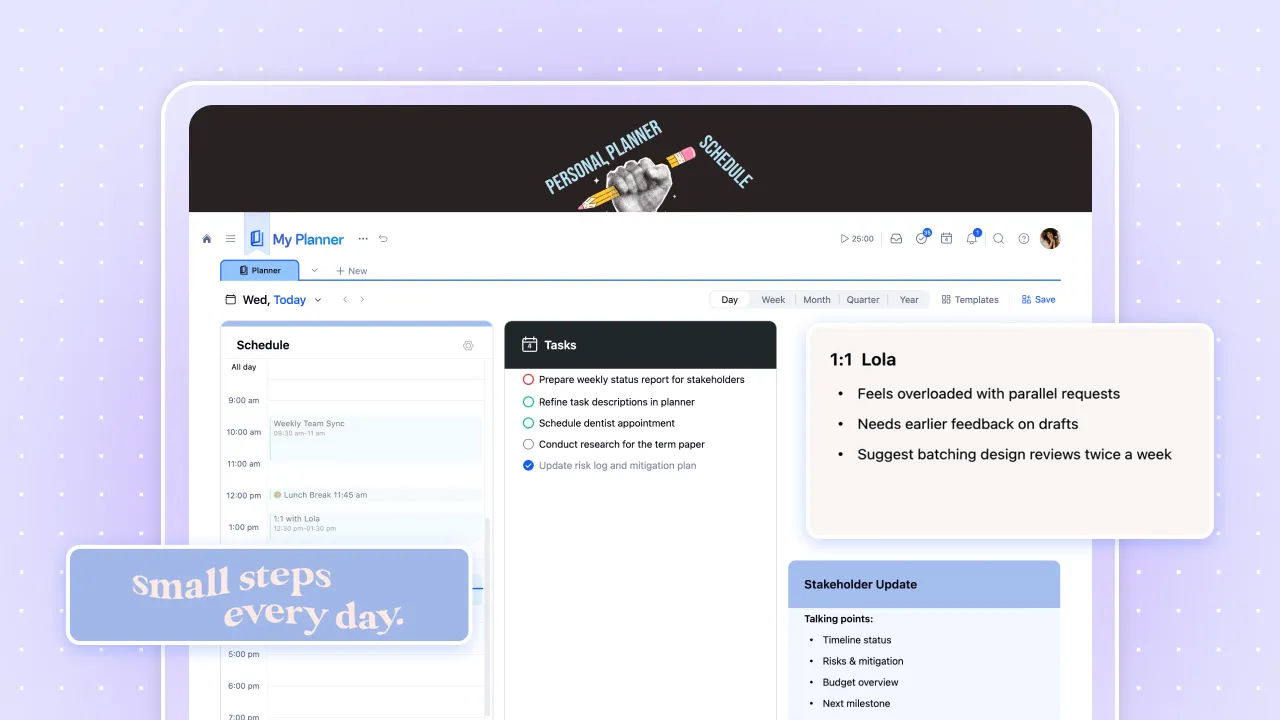
- Morning brief, ~8:30 AM: rolls over yesterday's incomplete tasks into today, summarizes unread Slack mentions with links back to each thread, and flags emails and meeting notes that need attention — all generated before the workday starts.
- Newsletter digest, ~15 minutes later: reviews the last 24 hours of newsletters, summarizes each into its own tile on the daily page, and archives the originals so the inbox does not stay cluttered with things already reviewed.
- End-of-day recap, ~5:30 PM: pulls from every connected source — Slack, inbox, xTiles, meeting notes — to summarize what actually happened that day in a sentence or two, and logs the tasks that were completed, even ones never manually entered.
The end-of-day piece solves a specific ADHD pattern worth naming directly: spending a full day working hard, then feeling by evening like nothing got done because none of it was ever written down as a task. A tile that reconstructs the day — logging what was actually completed, not just what was planned — closes that gap without requiring active tracking throughout the day.
Why a canvas beats a scrolling page for a visual thinker
A recurring comparison point was the difference between a tile-based canvas and a scrolling, nested-page structure common to tools like Notion or a shared document. Long-form pages put everything in a single vertical stream, and going deeper into nested sub-pages means repeatedly dropping another level down before you can see any content.
A canvas lays tiles out spatially instead — visible at a glance, arranged the way the information is actually related rather than the order it was typed in. For someone who described wanting "everything right there" on one page, that structural difference is not a cosmetic preference. It is the actual reason a command center works and a long document does not.
What's next: project planners and xTiles as shared context
Two follow-ups came out of this call. First, extending planner access down to the project level, so a team can see a weekly log of what got accomplished on a specific project rather than only at the personal or company level. Second, using xTiles project pages as context for AI conversations about a specific client or business area — pointing Claude at a project instead of maintaining separate markdown or HTML files as a manual briefing document.
That second idea connects back to the original problem: Anthony is building a consulting offering for other coaches who are, in his words, intimidated by having to learn several disconnected tools just to get organized. A single workspace that Claude can read directly — rather than a stack of separate files someone has to keep updating by hand — is a meaningfully simpler thing to hand to a client who does not want to become a software expert first.