A knowledge system, not a to-do list
Madeleine writes plays and works as a personal coach. She spent decades in software and freelance marketing writing before that, and has worked independently for a long time. Her days are not split into office work and home life, and that makes one thing hard: "It's sometimes challenging to separate project work from what I call daily noise."
Her answer is to use different tools for different jobs. Day-to-day tasks and time live in another task app. xTiles holds everything she is interested in, researching or learning: "it's more about information and tracking very specific project-oriented activities than it is a day-to-day task manager."
What made xTiles stick was the visual side. In her words, being able to lay things out on a screen was the "answer to my prayers that I didn't even know I was praying for."
Step 1: capture everything in one place
Madeleine's first habit is capture. Everything she touches and is interested in goes into xTiles and gets gathered there, without having to become a task first. Some items turn into tasks later; many become simple checklists or just stay as material.
- Keep capture loose. A link, a note, a picture or a quote can go in as it is. Sorting comes later.
- Use checkboxes before tasks. A checklist inside a tile is often enough; a task with a date is only needed when timing matters.
Step 2: projects, areas, resources and archive
To keep the captured material findable, Madeleine is trying Tiago Forte's PARA method. Here is how each part maps to xTiles in her setup:
- Projects: things she is actively working on, including the information she works with. Each play she is researching gets its own page.
- Areas: ongoing interests and responsibilities without a deadline. She collects material here and sometimes turns it into tasks.
- Resources: information about topics she is interested in, with no active project attached.
- Archive: a place ready for finished material. As she says, she hasn't really archived anything yet, but it is there when needed.
For the method itself, see the PARA method explained and a broader guide to personal knowledge management. What this setup adds is the visual layer: every page is designed to be read at a glance.
Step 3: a research page for each play
When Madeleine researches a play, she gathers all the information on one page about that play. It is not a task list, and she may or may not keep the material permanently, but while the play is a project, everything about it is in front of her.
- Lead with pictures. Put images at the top of tiles and line notes up under them, so the page reads like a board, not a document.
- One tile per theme: setting, characters, historical background, sources, open questions.
- Move it when done: when the play is finished, the page moves from Projects to Archive.
Step 4: a checklist for a long course
A few months ago Madeleine took a course that lasted four to six months. The course had its own online platform, but the material was not organized in a way that worked for her: one module, for example, was split across two parts of the platform. So she rebuilt it in xTiles.
- One tile per module, with every step needed to complete it, wherever it lived on the course platform.
- A checkbox per step, checked off as she went.
- One page for the whole course, so the remaining work is visible without opening the platform.
The payoff, in her words: "to be able to go back to that six-month course and say, I can see at a glance what I have left to do."
Next steps: a web clipper and a library
Madeleine has been linking whole web pages or copying and pasting text into her pages. Two xTiles features can make capture faster, and when she saw them, her reaction was simple: "a web clipper would be awesome."
- Web clipper: a browser extension that saves an article as a note, a tile or a task straight into any project, for example Resources.
- Library: each project collects its links, images and files in one library automatically, so you can browse all media of a project without scrolling through pages.
Neither needs AI. This setup works entirely without it, which suits people who, like Madeleine, find built-in AI more distracting than useful.
Free templates for a visual knowledge system
All four are free in the xTiles template gallery.
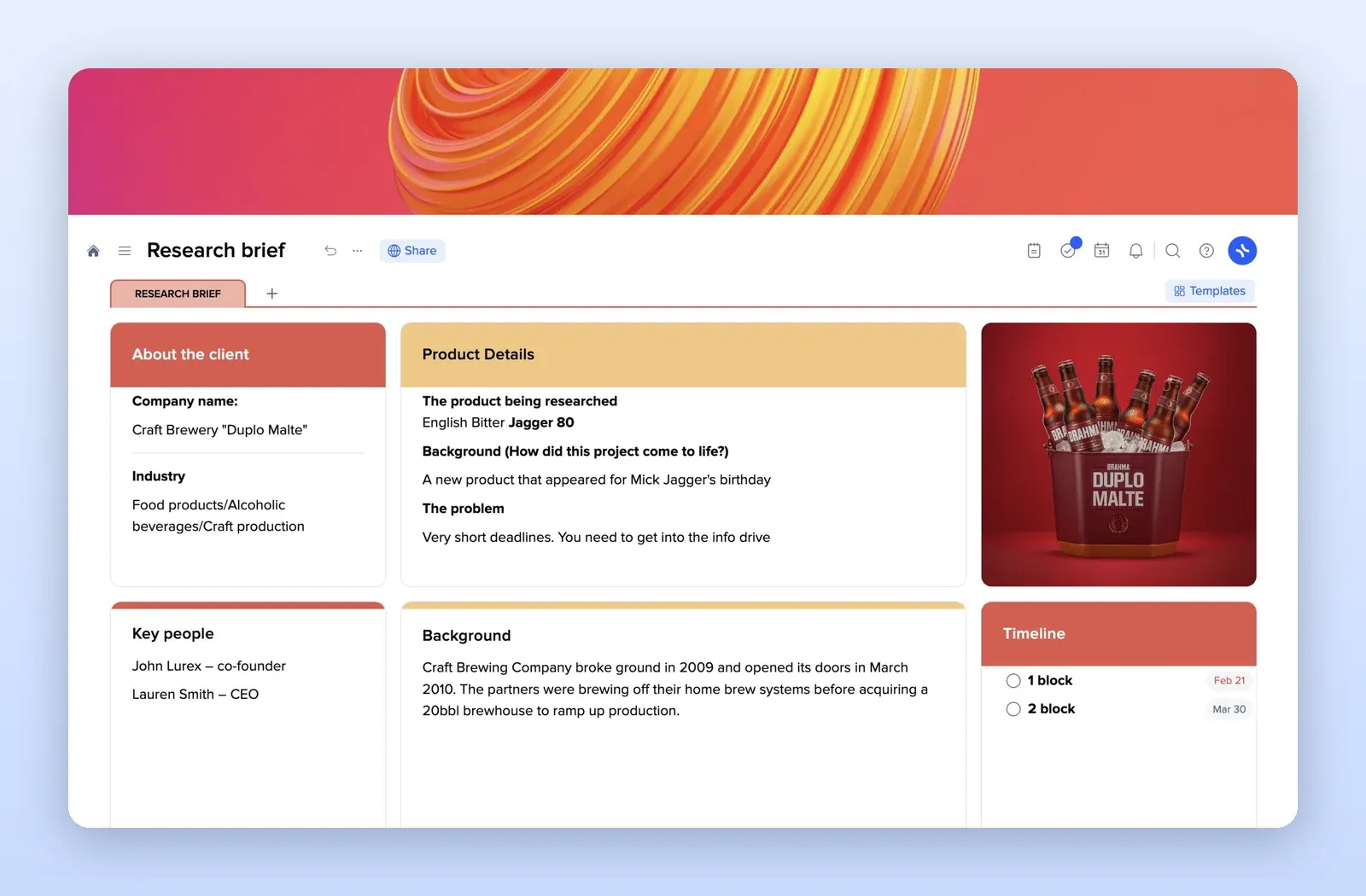
1. Research Brief: the research page
Background, details, key people, a timeline and an image tile on one page. Use it as the research page for each play or project. Open the Research Brief template.
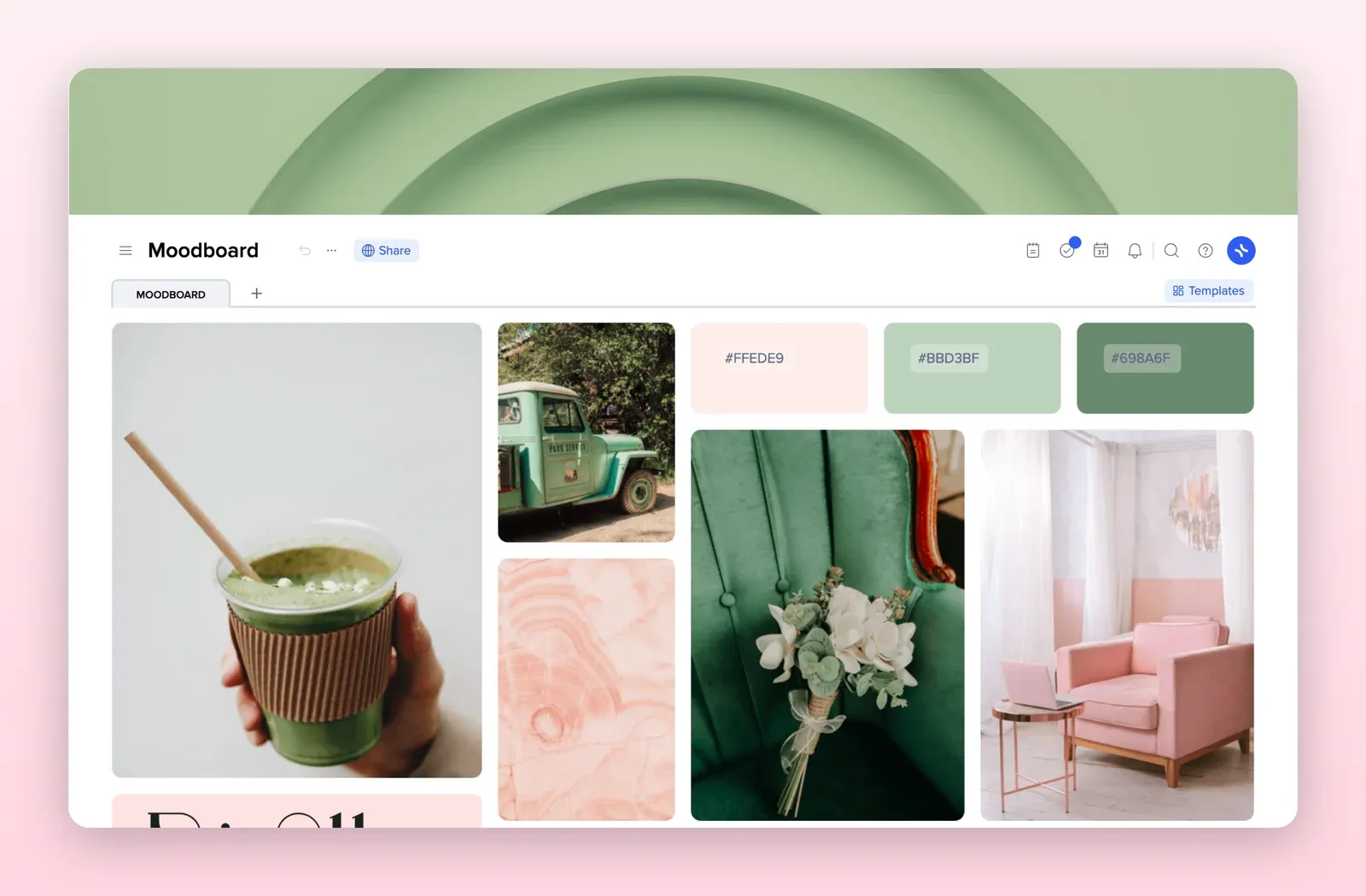
2. Moodboard: research you can see
Images and colour swatches on one page. Good for the look and feel of a play or a setting. Open the Moodboard template.
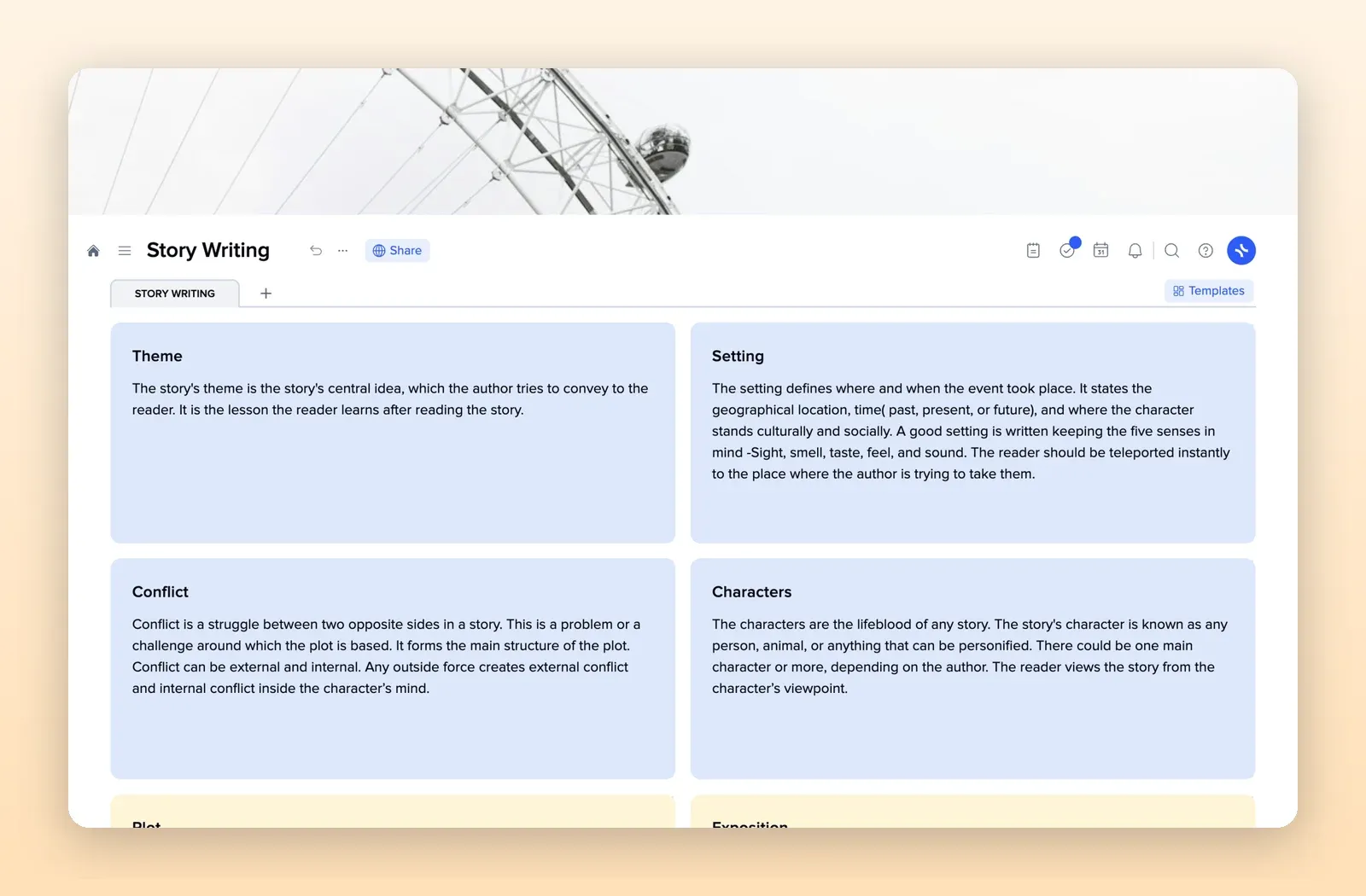
3. Story Writing: the parts of the story
Theme, setting, conflict, characters, plot and exposition as separate tiles. Open the Story Writing template.
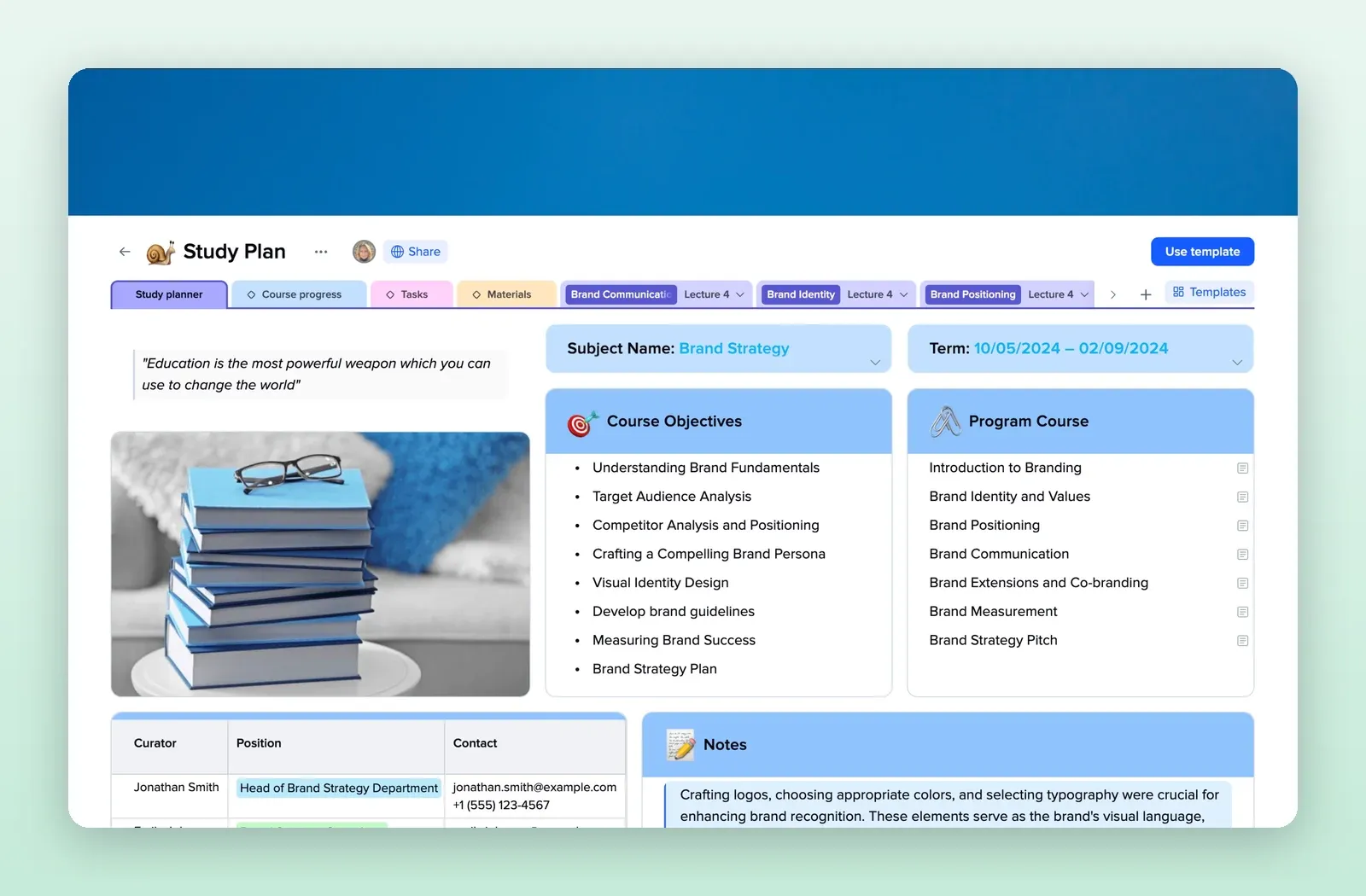
4. Study Plan: the course checklist
Course objectives, the programme of lectures, materials and notes, with tabs for progress and tasks. A ready base for a long course. Open the Study Plan template.