Why ADHD working memory and tabs don't mix
Working memory is the mental scratchpad that holds what you are doing right now: the task, the next step, the thing you were about to check. With ADHD it tends to be smaller and leakier, so every switch costs more.
Julio has studied ADHD for sixteen years, has always had it, and coaches clients in English and Spanish. On our call Julio described the moment most people with ADHD know too well: you open the notes tab, then the calendar tab, and by the time you get there the reason you came is gone.
"And then you got to go to another tab, and then you go, oh, whoa, I forgot what I was doing. I don't even know why I went to this tab."
That is also why so many people with ADHD keep thirty tabs open. In Julio's words, it is not because they are messy: they need to see where they are. The fix is not more willpower. It is a planner that shows everything at once, so nothing has to be held in your head.
Rule 1: the easier, the better
The consensus in the coaching groups Julio belongs to is short: the simpler the system, the better. Every extra step in a planner is one more executive-function decision, and that is exactly the resource ADHD makes expensive.
"The easier, the better, the less thinking they have to do, the less executive function work, the better."
- One page for today, not a page per area of life you have to visit in turn.
- A short priority list, three items rather than thirty.
- A place to dump distractions so they leave your head without derailing the task.
- Two colours, not twelve. A simple colour code is easy to read; a rainbow is one more thing to decode.
Rule 2: see everything at once
Julio works with paper and two whiteboards, with notes held up by magnets. The point is not paper itself; it is that the plan stays in sight. Out of sight, for many people with ADHD, really does mean out of mind.
"The thing with ADHD, it has to be in our face almost all the time."
A digital planner can do the same job if it puts the day on one screen. In xTiles, every task with a date, from any project, appears in My Planner on that day, next to your calendar and your notes. You open one page in the morning instead of five tabs, and you can zoom out to the week when you need the bigger picture.
Rule 3: skip the decorating
This is the part of the call that stuck. Making a planner pretty feels productive, and that is the trap. Many people with ADHD lean perfectionist, so the set-up never ends and the plan never starts.
"By the time you make it look pretty for you, it'll be two weeks, and they never execute it."
- Start from a template instead of designing a layout. The structure is already decided.
- Give yourself five minutes of set-up, then start using it today, even if it looks plain.
- Let AI do the layout. If you connect xTiles to Claude or ChatGPT, you can describe the project you need and it builds it for you. Your energy goes into the work, not the styling.
- Change the look later, once the habit is there, and only if it helps you see things faster.
Fewer decisions is the theme across all three rules. If scattered tools are the bigger problem for you, read about ADHD decision fatigue and keeping your systems in one place.
Simple ADHD planner templates that show everything at once
Each of these puts a full day or week on one page. Open one, delete what you don't need, and start.
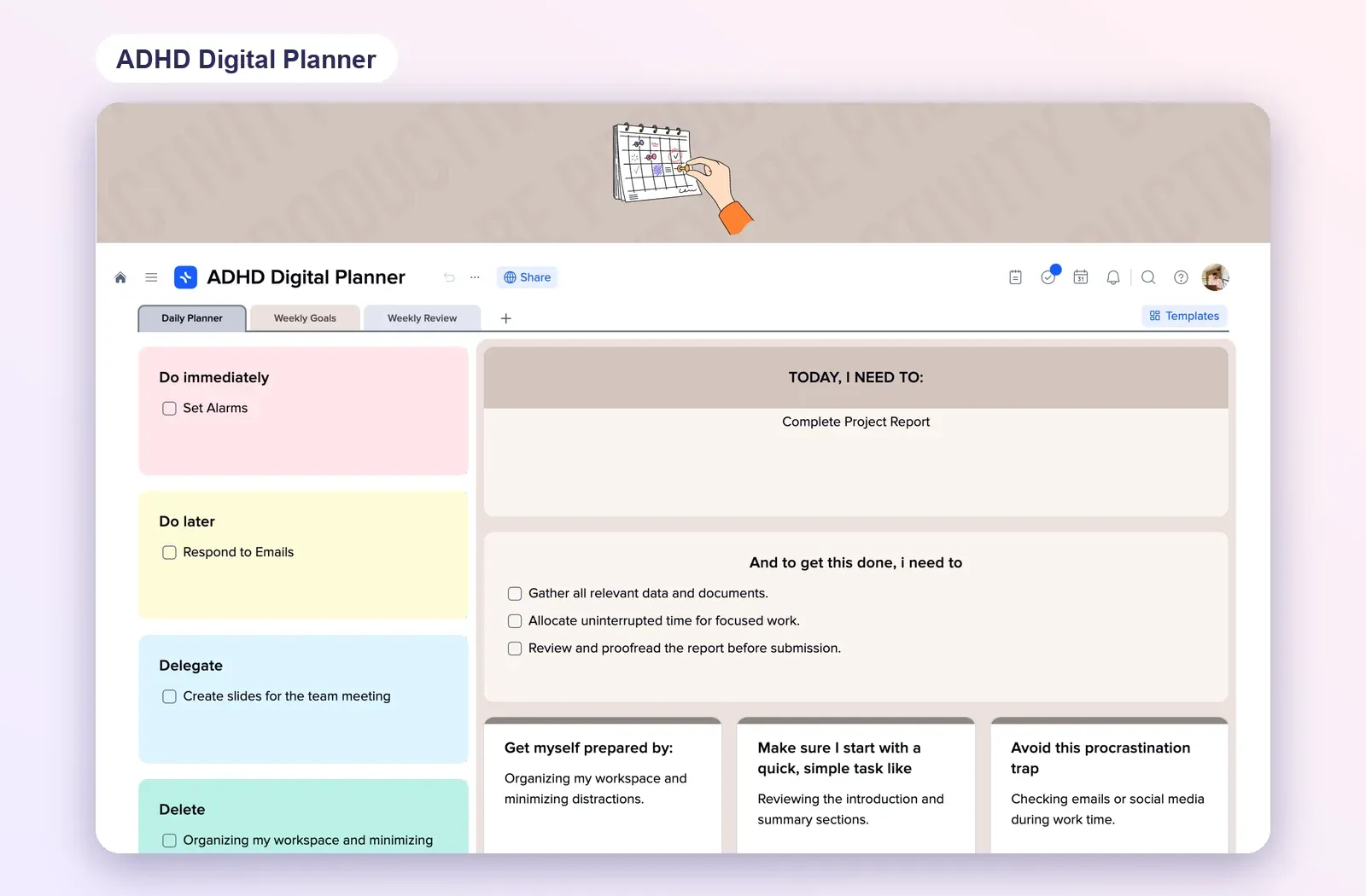
1. ADHD Daily Planner: the whole day on one screen
Morning, afternoon and evening time blocks, three daily priorities, a distraction list, a habit tracker and energy levels, all visible together. Open the ADHD Daily Planner.
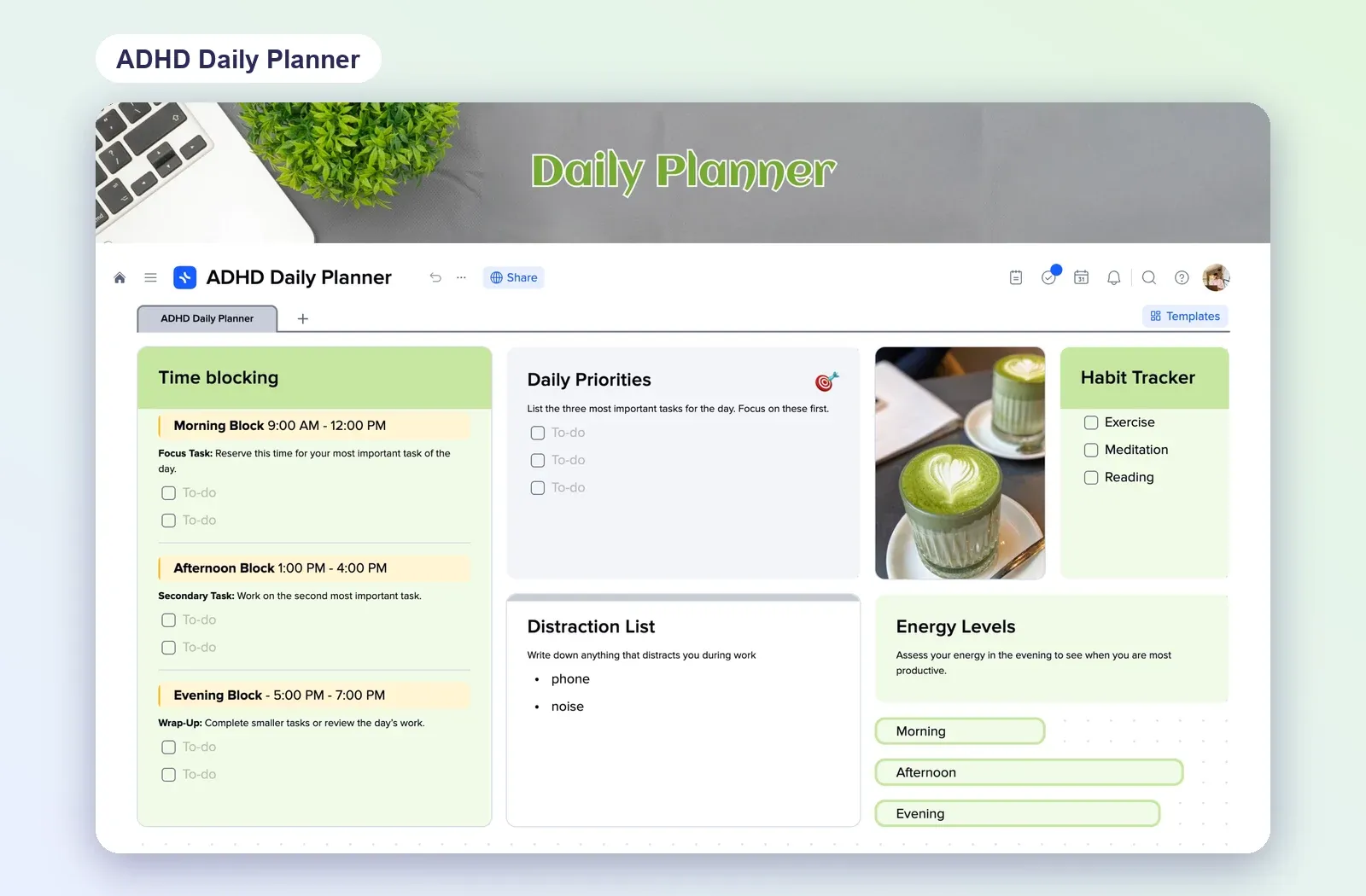
2. Daily ADHD Planner: hours and to-dos side by side
An hour-by-hour plan for the day next to a to-do checklist, with a distraction list, habits, meals and notes on the same page. Open the Daily ADHD Planner.
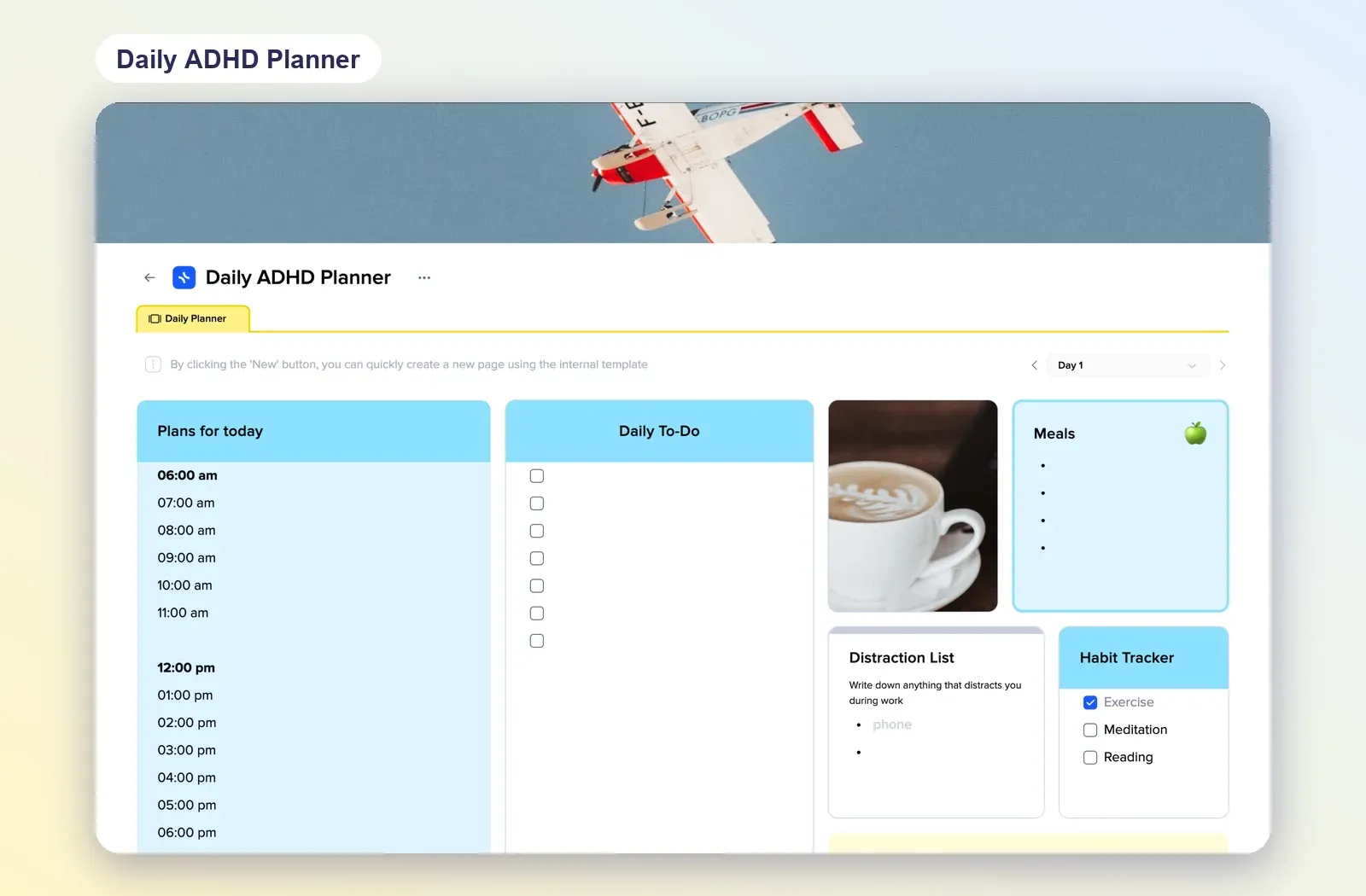
3. ADHD Weekly Planner: Make it Happen
Three colour columns, Make, It and Happen, a reward for finishing, and the days of the week down the side. The whole week in one view. Open the ADHD Weekly Planner.
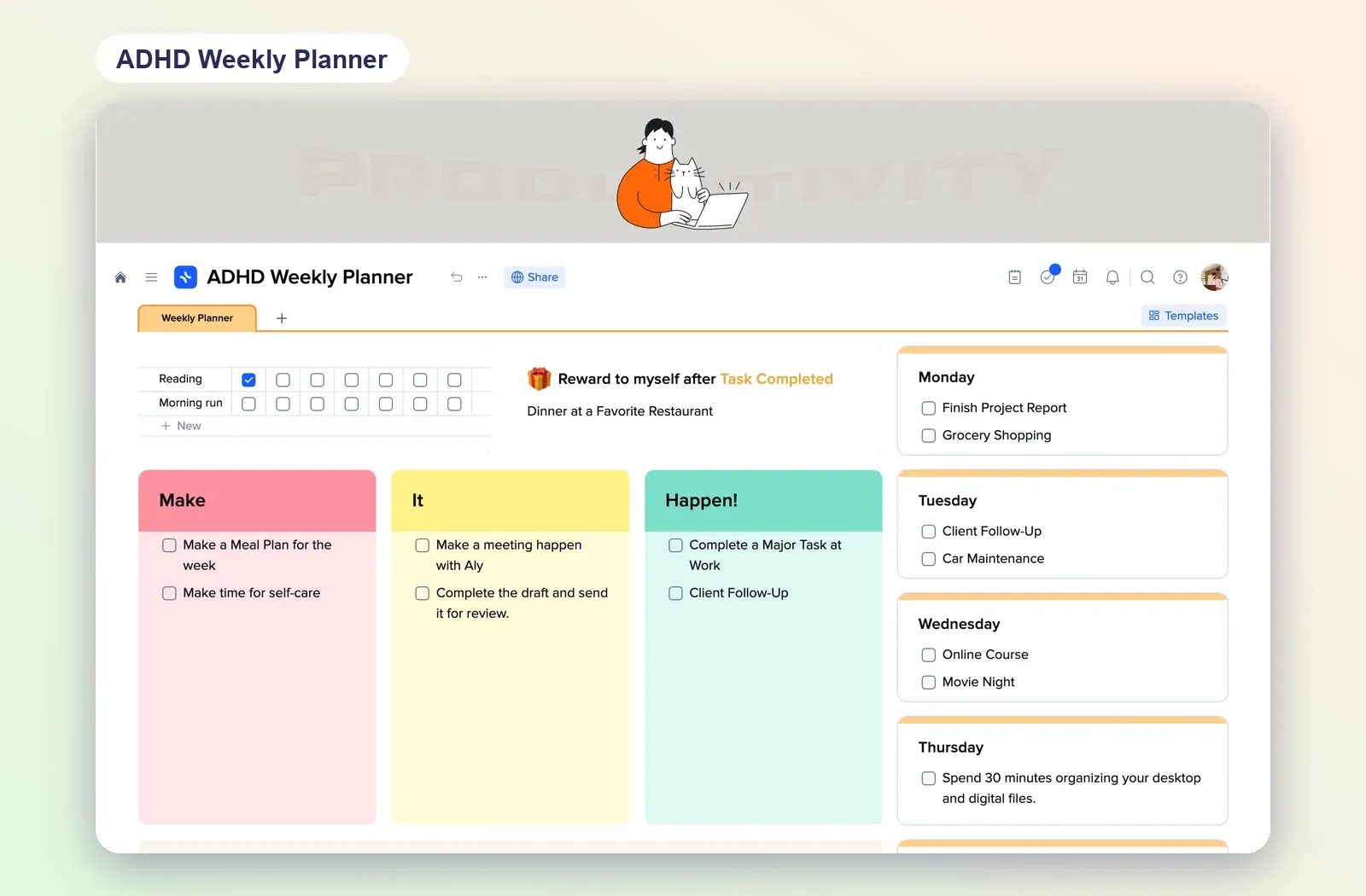
4. ADHD Digital Planner: do, delay, delegate, delete
Four boxes for what to do immediately, later, delegate or drop, next to today's one big task broken into small steps. Good for days when everything feels urgent. Open the ADHD Digital Planner.